22
7. CONTACTS (PHONEBOOK)
You can store up to 100 entries in your list of contacts.
Contact entries will automatically be copied to any other handsets you have
registered to the base. Any change made on one handset will be updated
on all other handsets.
7.1. Add a phonebook entry
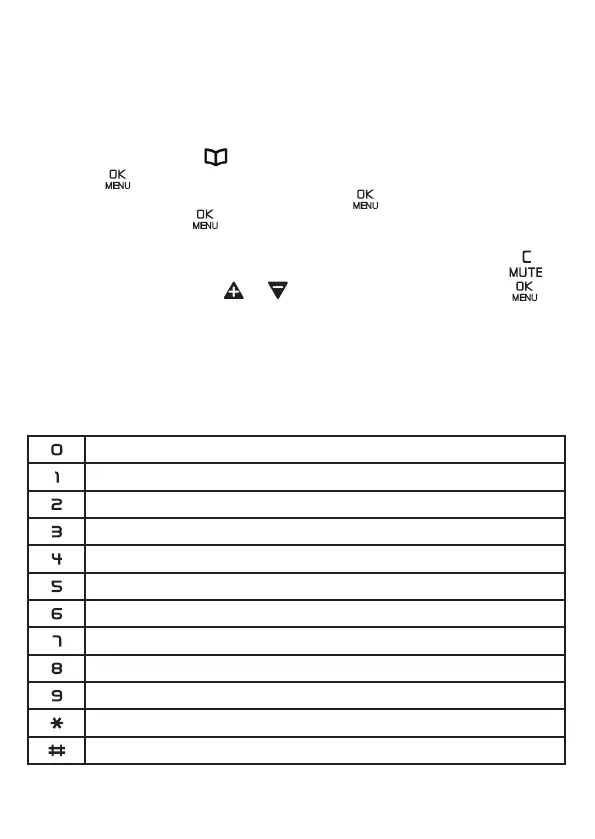
1. In idle mode, press to choose PHONEBOOK.
2. Press twice to select ADD.
3. Enter the name of the contact and press , enter the number of the
contact and press again to save as VIP ( If you save the contact
as VIP, it shows "!" on the right hand side of the name of the contact
to indicate that it is VIP contact, while you view the contact) or to
save as contact, press or to select the melody and press .
NOTE: To save a number from Blocklist into Phonebook, it is not allowed
and shows DOUBLE NUM. If you decide to delete a number from Blocklist
and then save the number into Phonebook, please refer to Section 11.1.4. to
deletethenumberfromBlocklistrstly.
To save a existing name into Phonebook, it is not allowed and shows NAME
EXISTED. Use a new name to save the entry.
Character map
0
Space - 1
A B C 2
D E F 3
G H I 4
J K L 5
M N O 6
P Q R S 7
T U V 8
W X Y Z 9
* ? / \ ( )
# ' , - . &


 To Next Page