27
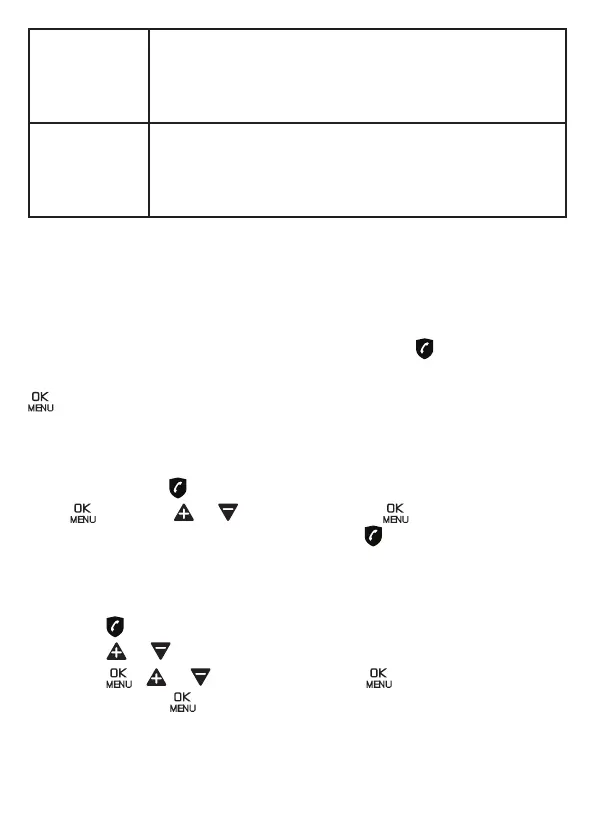
VIP In this second automatic mode, only calls from contacts
registered as VIP in your phonebook will go through and
cause you phone to ring. Any other number will not ring.
When this mode is chosen, VIPS OK is displayed on the
LCD in idle mode unless you have missed call.
ANONYMOUS This extra feature allows you to block calls that don’t
show their number (ie private calls, international calls,
etc).
This option can be enabled on top of any of the previous
four.
*This feature requires a subcription of Caller ID service from your network
service provider.
11.1. Manual call block mode: ON
When you chose ON in the call block settings, all calling numbers registered
in your blocklist will be blocked.
How to block an incoming call:
When the phone is ringing and before answering, press will terminate the
callandoeryoutheoptiontoregisterthenumbertotheblocklistinone
click.Thentoconrmtheregistrationofthisnumberintheblacklist,press
.
IMPORTANT: if you don’t conrm, the number will not be added to
the blocklist and the next call will go through normally.
11.1.1. Enable MANUAL mode
In idle mode, press to access BLOCK SET.
Press and press or to select ON. Press .
After you enable this option, the call block icon will be displayed on the
display.
11.1.2. Add numbers to Blocklist
In idle mode,
• Press , BLOCK SET. is displayed.
• Press or to select BLOCKLIST .
• Press , or to select ADD, press ,enter number to be
blocked, press to save.
NOTE: To save a number from Phonebook into Blocklist, it is not allowed
and shows BLOCK DENIED. If you decide to delete a number from Phone-
book and then save the number into Blocklist, please refer to Section 7.3.
todeletethenumberfromPhonebookrstly.


 To Next Page