3
1. Introduction
REX 300 is an industrial router for global remote access to PLC, HMI, IP cameras, etc.
It is directly mounted on the mounting rail. This Quick Start Guide explains the basic
settingsinthemyREX24portalandshowshowtotransferthecongurationmade
there to the REX 300 unit.
Youwillndmoreinformationonpage26inchapter14"Alternativeconguration
withoutmyREX24portal"shouldyouwishtooperateyourrouterwithoutourVPN
portal.
Before getting started: Please use the most current version (as of v3.7.0) of the dial-up
software "shDIALUP" for commissioning. You can acquire it as a download at www.
helmholz.de.
The current rmware must be installed on all REX routers for successful connection with
the myREX24 V2 portal. Write down the serial number and MAC address of your REX
300 router before installing the router in your system. You will need the serial number in
order to congure the REX 300!
2. Preparing the REX 300 unit
2.1 REX 300 with modem
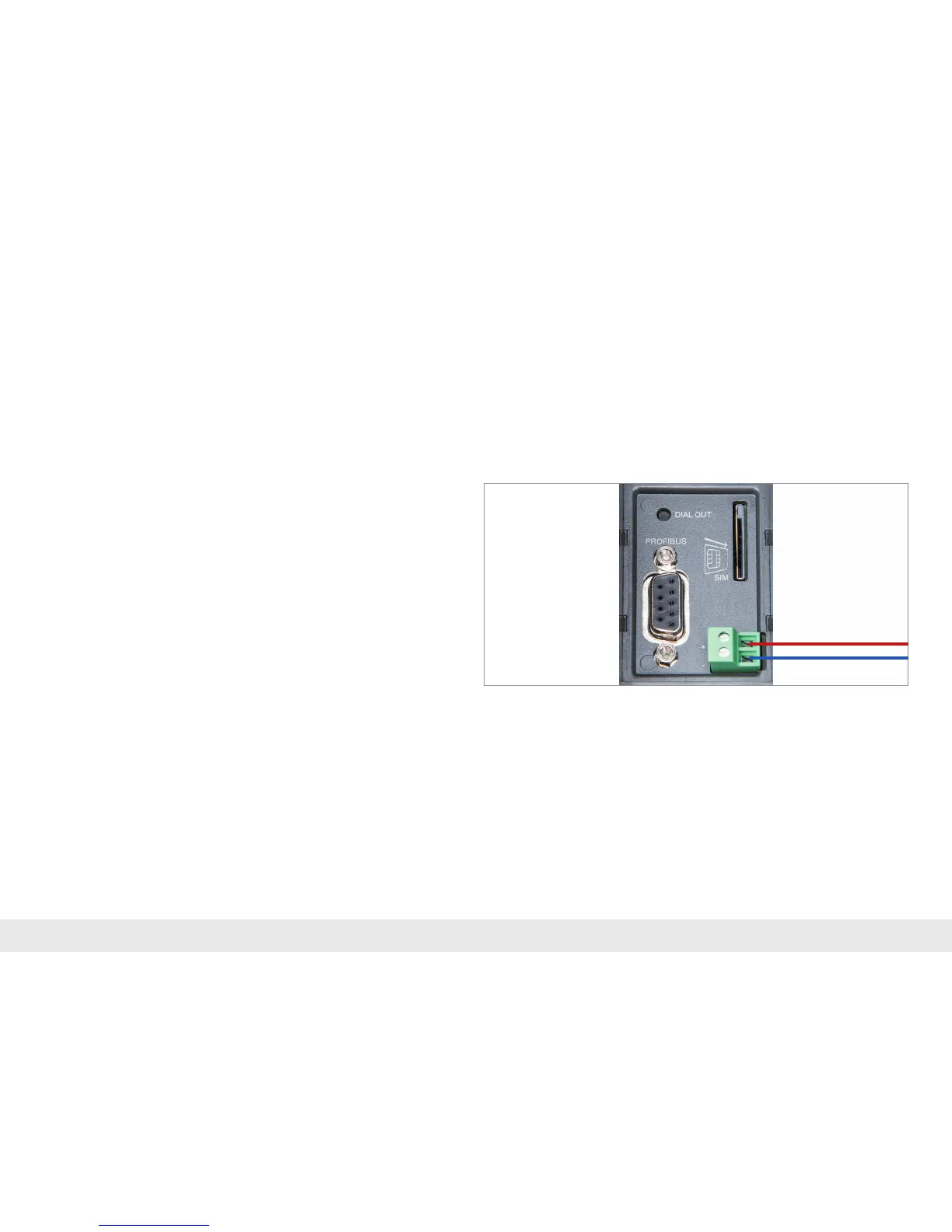
AstandardSIMcardofaproviderisnecessaryfortheGSMvariants.Thisservesthe
purposeofidenticationforthenetworkoperator.TheSIMcardmustbeinsertedin
accordance with the graph and click in.
Withthetetheredmodemvariant,thecorrespondingtelephonecableisconnected
to the TAE socket.
2.2 Antenna connection
Antennaswiththecorrespondingthreadedconnectionareavailableseparatelyas
accessories. Please ensure prior to installation that the antenna is positioned in such
awaythatitreceivesanadequateGSMsignal.Alsobesuretofollowtheinstructions
from the technical data sheets of the antenna manufacturer and do not install these
(due to the shielding effect) into metal housings (e.g. control cabinet).
2.3 REX 300 WAN
Connect the REX 300 router's WAN port to the network/router or DSL modem being
used to establish the Internet connection. To this purpose use a standard CAT-5
patch cable.



 To Next Page