34
3: MBX-4 Configuration and Operation
Front Display and Keypad
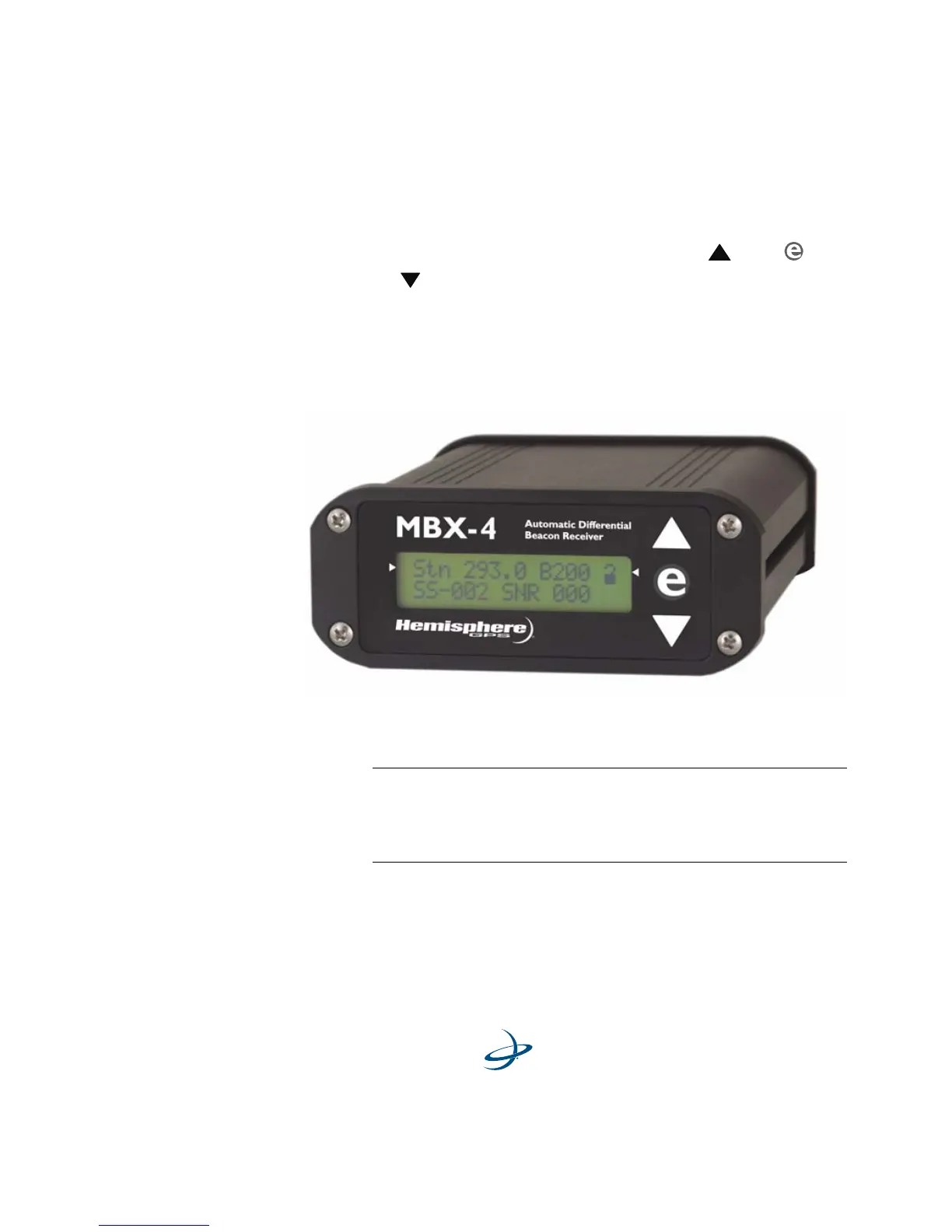
The MBX-4 features a 2-line by 16-character LCD and 3-key control
panel. The control panel is composed of an up arrow
, enter , and
down arrow key. These keys allow you to navigate through the
intuitive MBX-4 menu system, configuring operating parameters and
viewing status information. Figure 3-1 shows the display and keypad of
the MBX-4. The top line of the display is the active Focus Line for
keypad operations.
Figure 3-1. MBX-4 Display and Keypad
Note - The top line of the MBX-4 display is the Focus Line,
denoted by the left and right arrows on either side of the
display. The field of interest must be “in focus” for
keystrokes to have the desired effect.



 To Next Page