EasyManua.ls Logo

Hemisphere GPS MBX-4 - MBX-4 Menu System

Default Icon
94 pages
Print Icon
To Next Page IconTo Next Page
To Previous Page IconTo Previous Page
Loading...
MBX-4 User Guide
41
MBX-4 Menu System
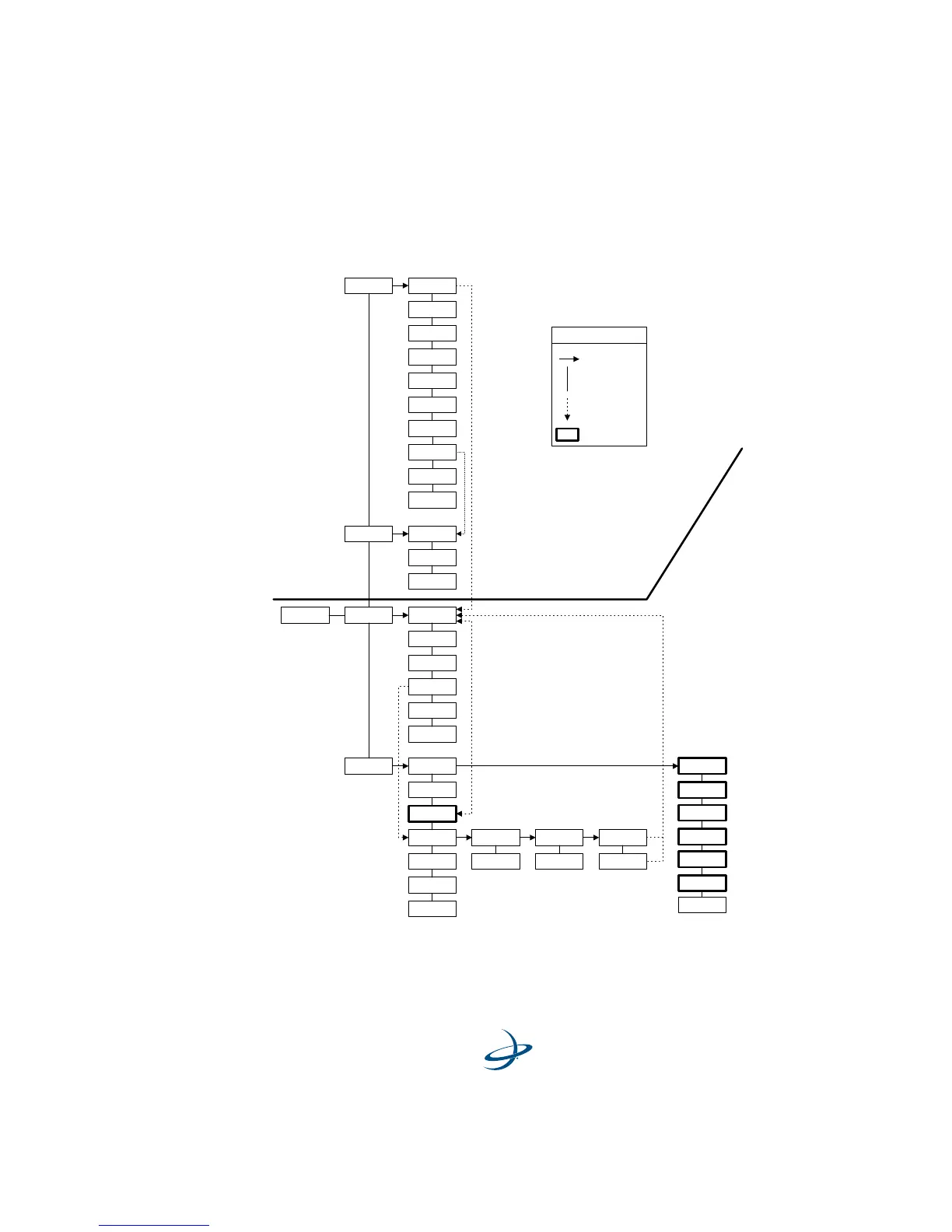
Figure 3-4 illustrates the MBX-4 display and keypad actuated menu
system.
Figure 3-4. MBX-4 Menu System
Start-Up
Sequence
Beacon Status
Setup
Position Status
Satellites Ch01-SV00 El00
Az 000 SNR 00
Options
Auto Bx Search
Tune 305.0/200
Select Beacon
Subscription
Version Display
Stn 305.0 B200
SS 000 SNR 000
PRF 100% Q25
Unselected Bx
ID 00000 H 0
Baud Rt 4800
XBX3 Mode:
Hgt Unit Meters
Back
Continent
...
Country
...
Beacon Name
...
Back Back
Lat
Lon
Hgt
Hdg
UTC
Age
Back
Back
Back
Back
HDOP
Ch12-SV00 El00
Az 000 SNR 00
BX-E Mode
BX Mode
Enter Key
Down Arrow
Up Arrow
Short Cut
User Entry
Legend
SV Count
Vel Unit KPH
UTC Offset
Back
Vel
L/L Units

Table of Contents

Related product manuals