68
4: NMEA 0183 Interface
MBX-4 Display Mode ($PCSI,7) - The Display Mode command sets
the MBX-4 mode of operation as detailed in the “NMEA Message
Elements” section on page 64.
$PCSI,7,m<CR><LF>
MBX-4 Response:
$PCSI,ACK,7,m
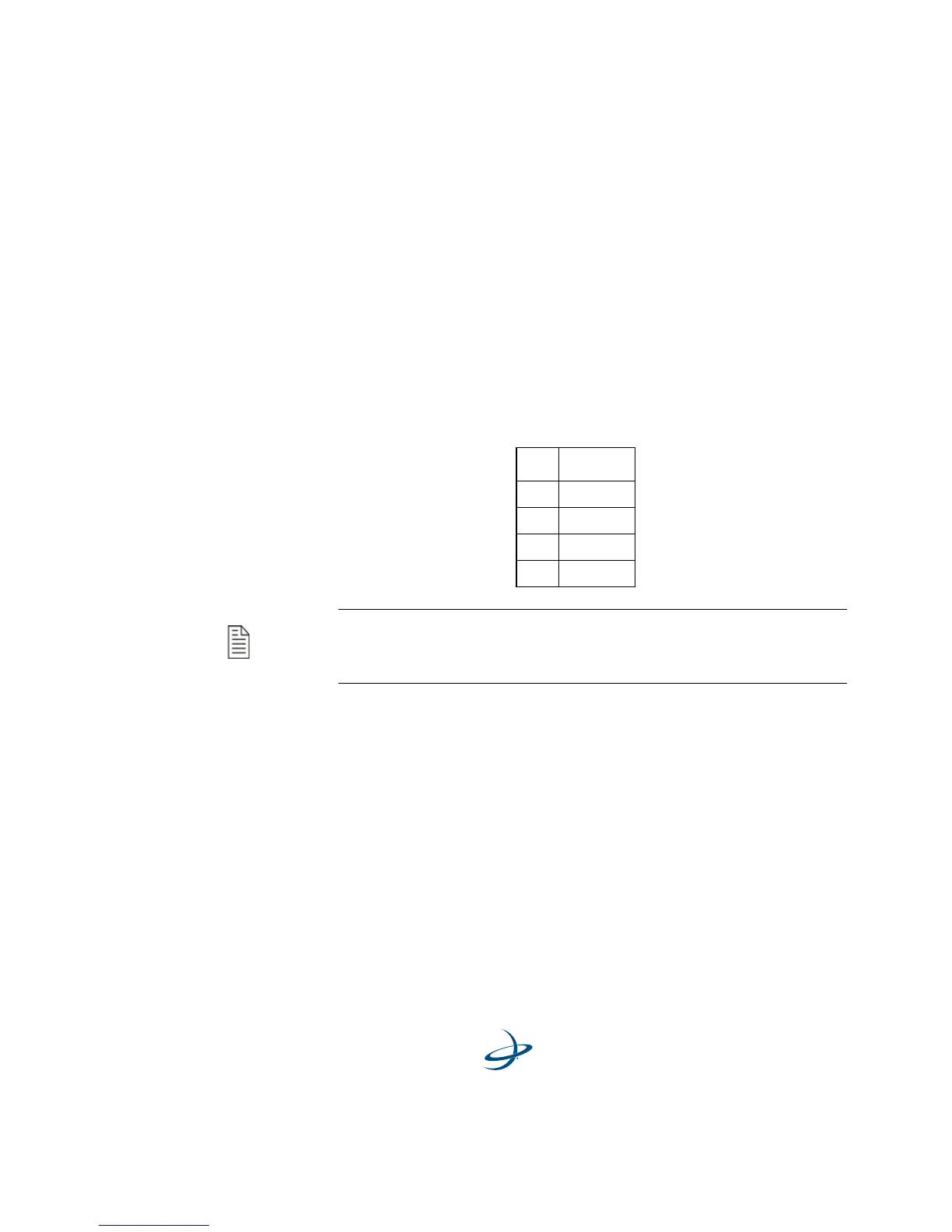
In this message, m designates the MBX-4 display mode, and may be
selected from the Table 4-6.
Tune Command ($PSLIB) - A majority of Garmin hand-held and
fixed-mount GPS receivers output this non-standard command from the
BEACON RCVR feature of the INTERFACE menu. It instructs both the
connected beacon receiver to tune to the specified frequency and MSK
Rate. The command has the following form:
$PSLIB,fff.f,ddd<CR><LF>
MBX-4 Response:
N/A
Table 4-5: MBX-4 Display Modes
m Mode
1 BX
2 GBX
4 GBX-E
8 BX-E
Note - Only BX and BX-E modes of operation are applicable to
the MBX-4 receiver. The receiver’s power must be cycled for the
change to occur.



 To Next Page