Installation 2-7
Making the Connections
Never connect or disconnect the printer cable while either the computer or the laser
system is powered ON. Always power down both units when connecting or disconnecting the
printer cable.
Please use the parallel cable supplied with the system. It is a 6 foot high quality shielded cable
that has a molded ferrite choke built in. If you use a printer cable other than the one provided, it
will violate the laser systems FCC and CE rating and may also cause harmful interference when
downloading files to the laser system.
Please make the following connections in the exact order described otherwise static electricity
can damage the computer and/or the laser system’s electronics.
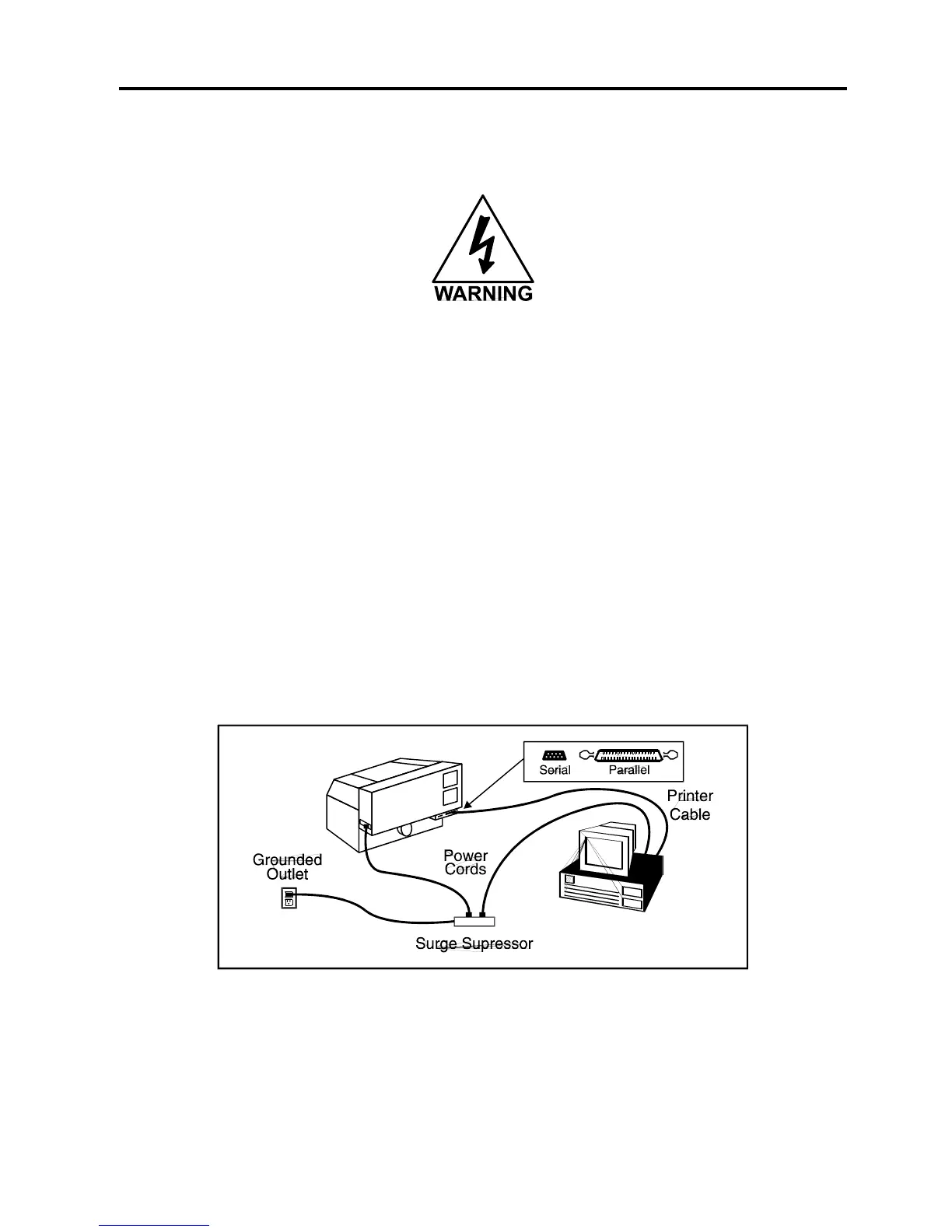
• Connect the laser system’s power cord and the computer’s power cord to a high quality
surge suppressor and then the surge suppressor to a grounded outlet.
• Make sure both the computer and laser system are plugged in and turned OFF, then
connect the laser system to the computer using either a serial or parallel connection.



 To Next Page