5-10 System Operation
Menu Descriptions
The remainder of this section will describe each one of the menus and their significance.
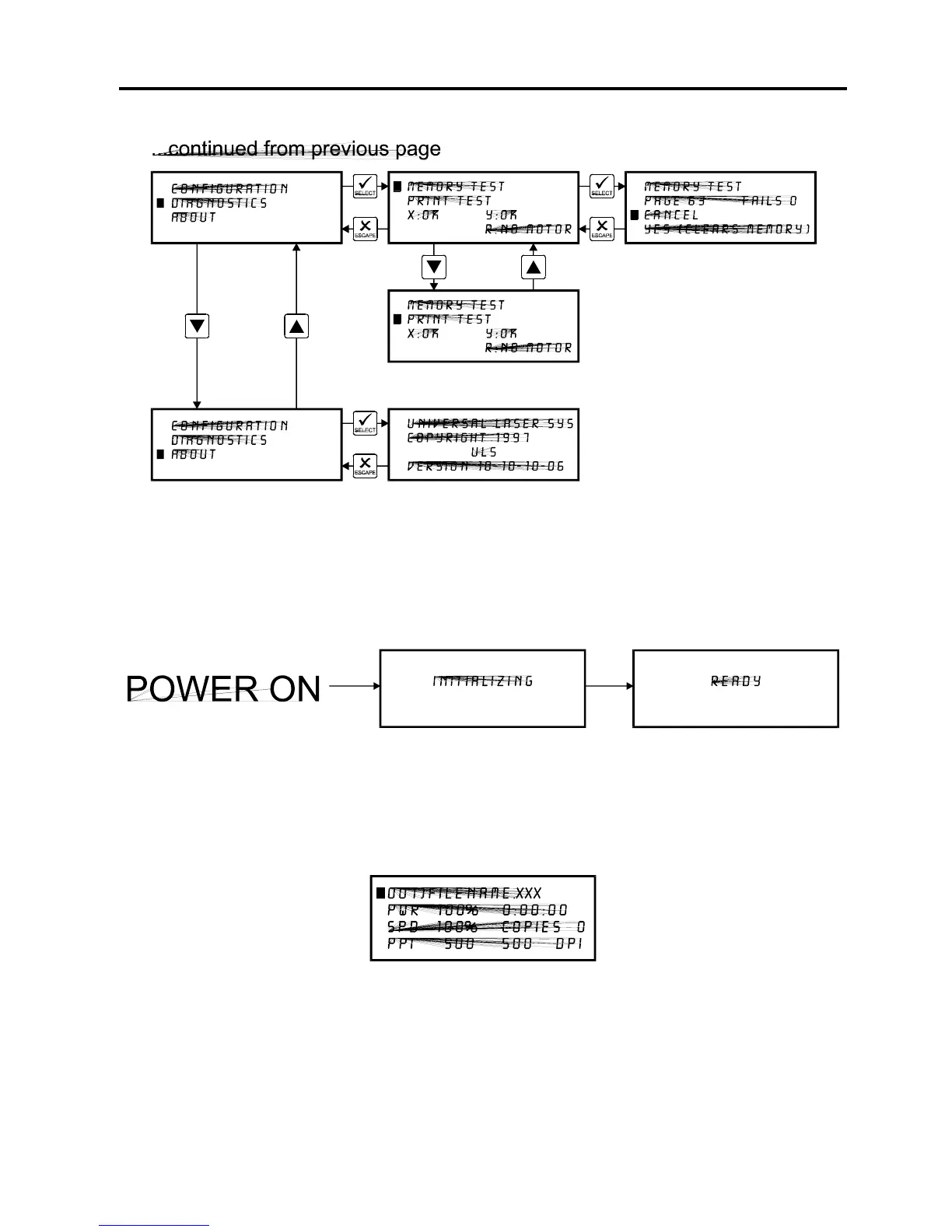
READY Menu
When the system is first powered on “INITIALIZING” will appear for approximately 30 seconds
until the laser system finishes performing its routine. When the system has finished initializing,
“READY” will appear in the display, indicating that the laser system is ready to accept files.
FILE DISPLAY Menu
Appears automatically after the first file is downloaded completely into the laser systems
memory. This is the menu that you will remain in most of the time when operating the laser
system. It has been designed to show all pertinent operating information at a glance so that
constantly jumping from menu to menu is not needed.



 To Next Page