6-6 Running the System Step by Step
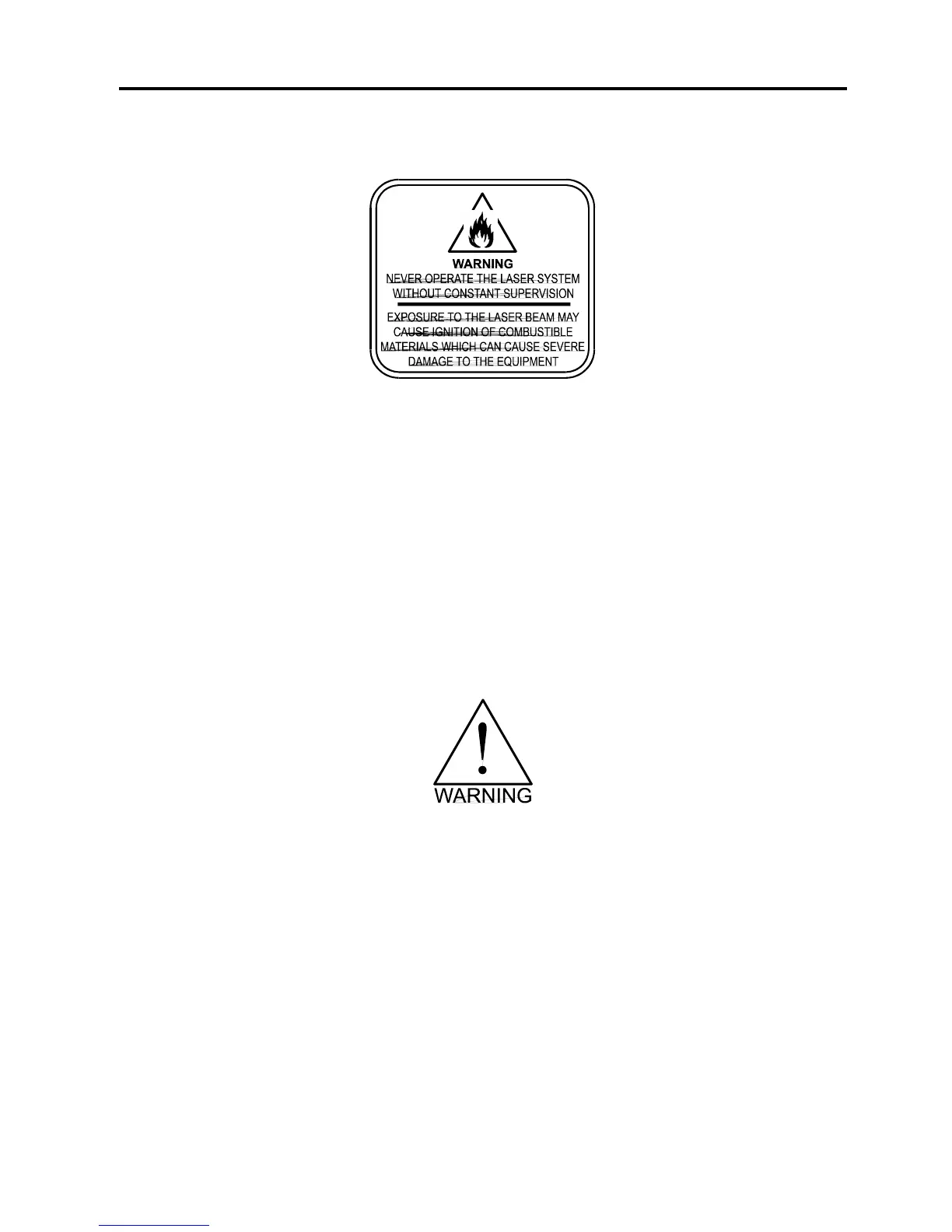
We will also remind you again to please follow the below warning label.
Material Removing and Reloading
Once the laser system has completed processing you material, the laser beam will turn off, the
motion system will move to its home position in the upper right hand corner, the system will
beep twice, and the green light on the control panel will glow continuously.
Before opening the top door, wait a few seconds to let any remaining fumes, that are leftover
from the engraving or cutting process, evacuate through the exhaust system.
Open the top door and remove your material. Some materials will continue to out gas for
several minutes to sometimes hours after the engraving or cutting process is completed. It is a
good idea to move these materials to a well ventilated area away from yourself and others.
Some materials, when engraved or cut with a laser, can produce toxic and caustic
fumes. We suggest that you obtain the Material Safety Data Sheet (MSDS) from the
materials manufacturer. The MSDS discloses all of the hazards when handling or
processing that material. The law requires all manufacturers to provide this information
to anyone who requests it. DISCONTINUE processing any material that shows signs of
chemical deterioration of the laser system. Systems damaged from this abuse will NOT
be covered under warranty.
While the top door is still open, load in your next piece of material. If it is the same as the
previous one and you want to run the file again, simply close the top door and press the
“START” button again to start the process from the beginning.
For further information on running the laser system in a different manner other than what has
been described in this section, please refer to the previous section on “SYSTEM OPERATION”.



 To Next Page