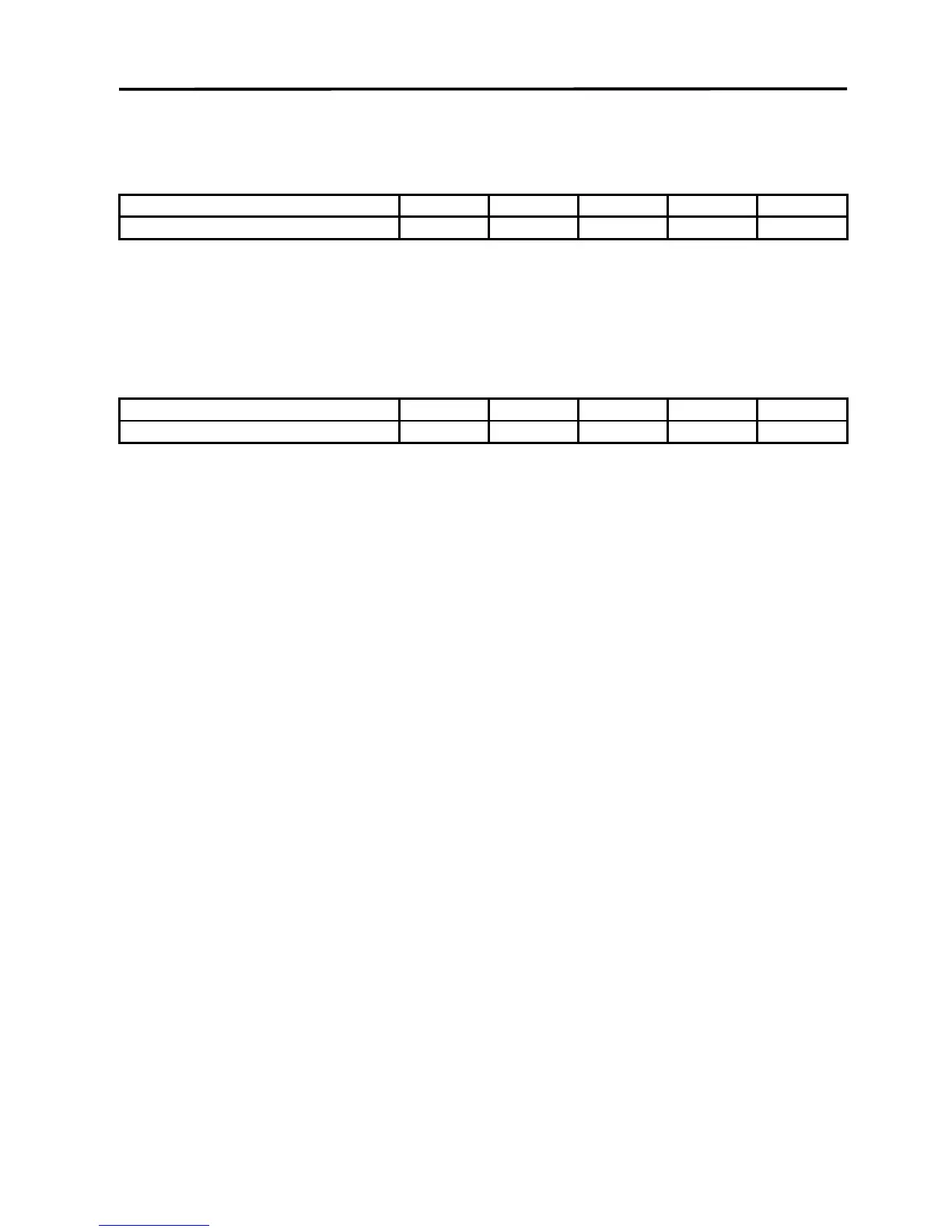
COMMENTS: These parameters are for engraving vinyl on wood. Apply the vinyl to the wood
and squeegee out air bubbles. Mask with transfer tape. Engrave deep enough to go through
the tape, vinyl, and into the wood. Make a second pass to go deeper. Engraving at a slower
speed might cause the vinyl to melt.
COMMENTS: Unmasked, cuts through vinyl and not the backing. Thicker vinyl requires more
power and thinner ones require less. Adjust as necessary.
ADDITIONAL COMMENTS
Sign vinyl comes in a wide variety of colors, patterns, thickness, finishes, and reflectivity.
There are a few methods for using sign vinyl with the laser system. One method is to vector cut
(unmasked) through the vinyl but not through the backing. This technique provides results
equivalent to a vinyl cutter machine. Once the vinyl has been cut, remove the excess vinyl,
apply transfer tape and use a squeegee to remove trapped air bubbles. The transfer tape can
then be lifted off and the vinyl lettering or objects that were vector cut will stick to the transfer
tape and maintain their correct spacing with respect to each other. Now apply the tape to the
desired surface and squeegee, peel off the transfer tape, and the lettering will remain adhered
to the surface. The other method is to apply a piece of vinyl to the desired surface (unmasked)
and adjust the laser power so as to cut through the vinyl without engraving into the material
below. Another popular example of the use of vinyl is to cover the entire surface of a wooden
plaque with vinyl, use a squeegee to remove all air bubbles, and then mask the entire surface
with transfer tape to protect the vinyl from smoke damage due to the wood engraving involved.
In the graphics software, color the background one of the eight driver colors and place white
filled text on top of the colored background. Since the laser system does not engrave white
filled objects, the background will be engraved and the lettering will be untouched. Then peel
off the excess vinyl and transfer tape to reveal the final product. The lettering will be raised and
vinyl coated.



 To Next Page