4-2 Graphics Software
It is also possible to use a page size smaller than the maximum engraving area. For example,
if an 8 inch(203.2 mm) x 10 inch(254 mm) page size is desired, set this page size in the
graphics software as well as in the driver. The laser system will automatically move the
engraving area to the origin so place the object all the way up into the left hand corner against
the rulers in the laser system.
Power Control Through Color Selection
The laser system allows the use of 8 different colors to access 8 different power settings when
cutting and engraving. This feature is controlled by the driver. When using this power change
feature with driver, the colors that are used MUST exactly match the colors listed in the driver.
The colors are black, red, green, yellow, blue, magenta, cyan, and orange. Some programs
will provide these basic colors pre-defined and other programs may require the creation of each
of the colors by defining them in CMYK percentages. If the eight driver colors are not
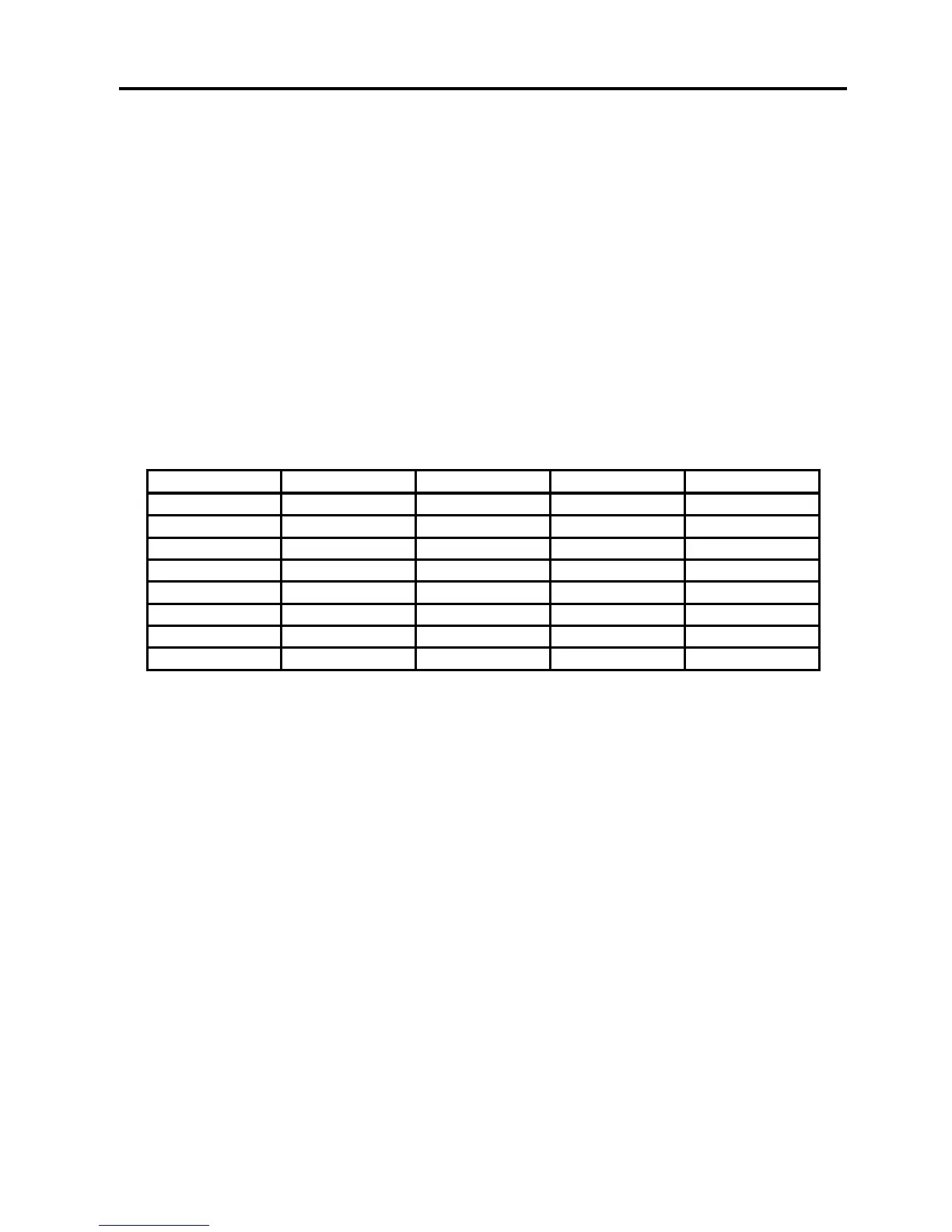
automatically provided in the software, use the chart below to create the eight driver colors by
specifying the appropriate CMYK values:
If using a color other than the exact colors listed above, the driver will attempt to match it to a
color in the driver that it most closely resembles. The driver will then use that colors power
setting and apply a halftone pattern to represent the original colors shade. For example, if
using a color like pink to fill a rectangle, the driver takes a reading of the percentage of different
colors used to create that color and will use the power setting assigned to one of the eight
colors of the driver that it most closely resembles. It might be expected that the driver will use
the power setting assigned to the color red but instead the driver may choose the magenta
setting and halftone the rectangle as a representation of the pink colors lighter shade. To
prevent the incorrect assignment of laser power, be sure to use the right colors. If using
graphics with colors other than the eight listed above or to simplify the assignment of power
settings, try using the Clipart Mode feature in the driver. This feature will cause the system to
only use the power setting assigned to the color black and halftone all of the other colors.
Outlines and Fills
The driver distinguishes between raster mode (engraving) and vector mode (cutting) by the type
of graphic artwork being used. Basically, all graphics other than outlines of very thin line widths
will be interpreted as engraved images and the raster mode will be used for output. If laser
cutting is desired, set the line thickness of the lines that are drawn in the graphics software to
.001 inches (.1 mm) or the smallest possible line thickness that is available.



 To Next Page