OPERATION
22 OLEUM_V1.19_eng © Hermle Labortechnik GmbH
2.8 Timer Function
This timer function enables to program a planned ending or start of centrifugation. After closing the
centrifuge lid and setting all the needed values, the timer function can be activated.
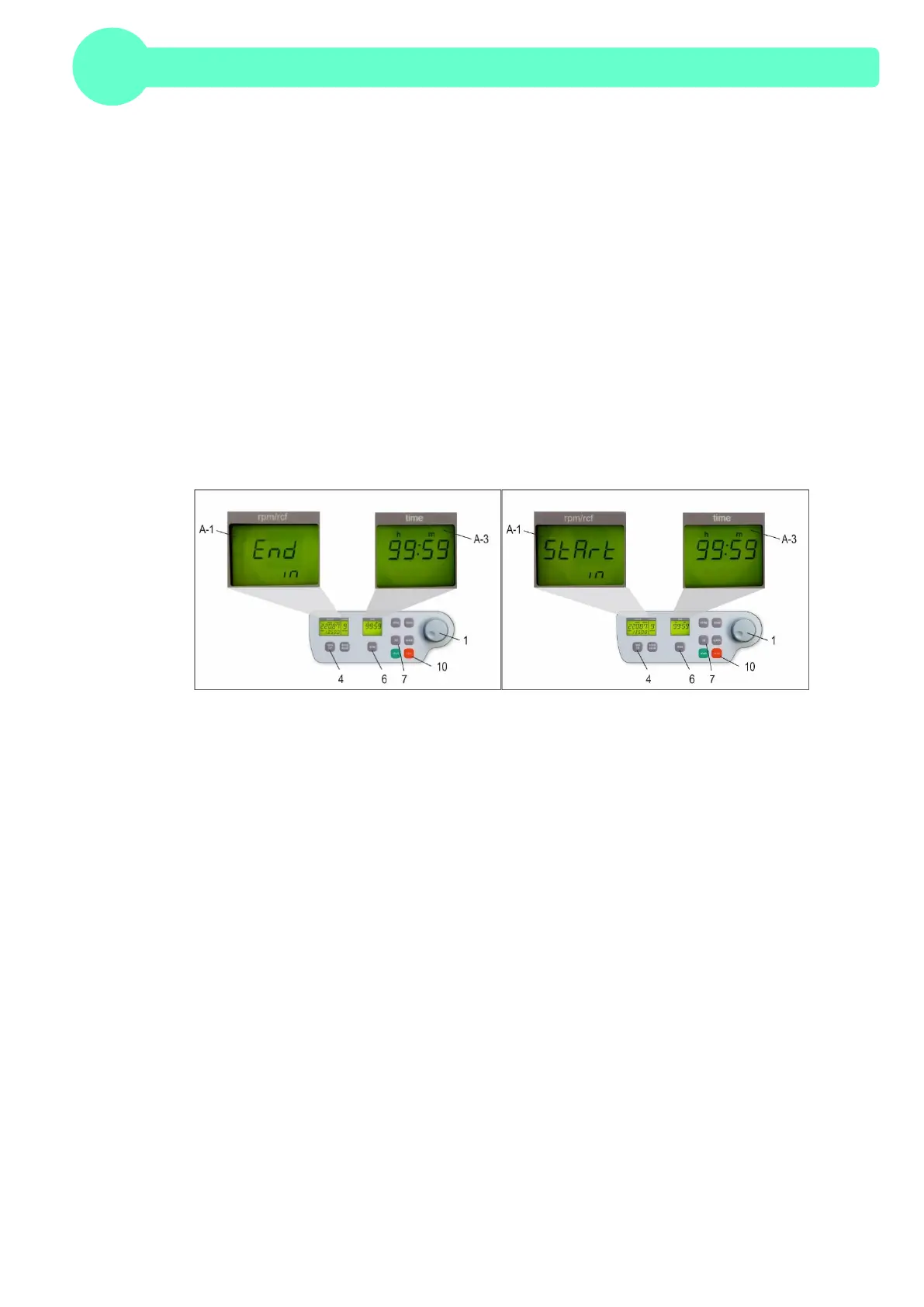
For this purpose press the bottom „time“ (6) for five seconds. This will take you to the time setting of
the timer and the display "rpm/rcf" (A-1) shows the words "End in". The display „time“ (A-3) shows
the remaining time until the end of the centrifugation. The remaining time can be set between 1 min
and 99 h 59 min by pressing the bottom “time” (6) and turning the adjusting knob (1).
Alternatively to the “End in” mode, you can choose the “Start in” mode by pressing the bottom
„rpm/rcf“ (4). The display „time“ (A-3) shows the remaining time until the start of the centrifugation.
The timer starts automatically after setting the needed value. The set time can be adjusted by
pressing again the bottom “time” (6) and turning the adjusting knob (1).
You can interrupt this function by pressing the bottom “stop” (10) or the bottom “lid” (11). During the
timer mode, all the other bottoms have no function.
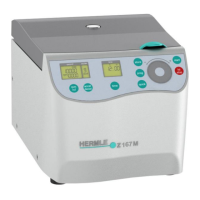
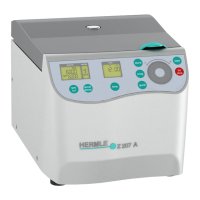
For all number marked text, please refer to Figure 27 and 28.
Figure 27 Figure 28


 To Next Page