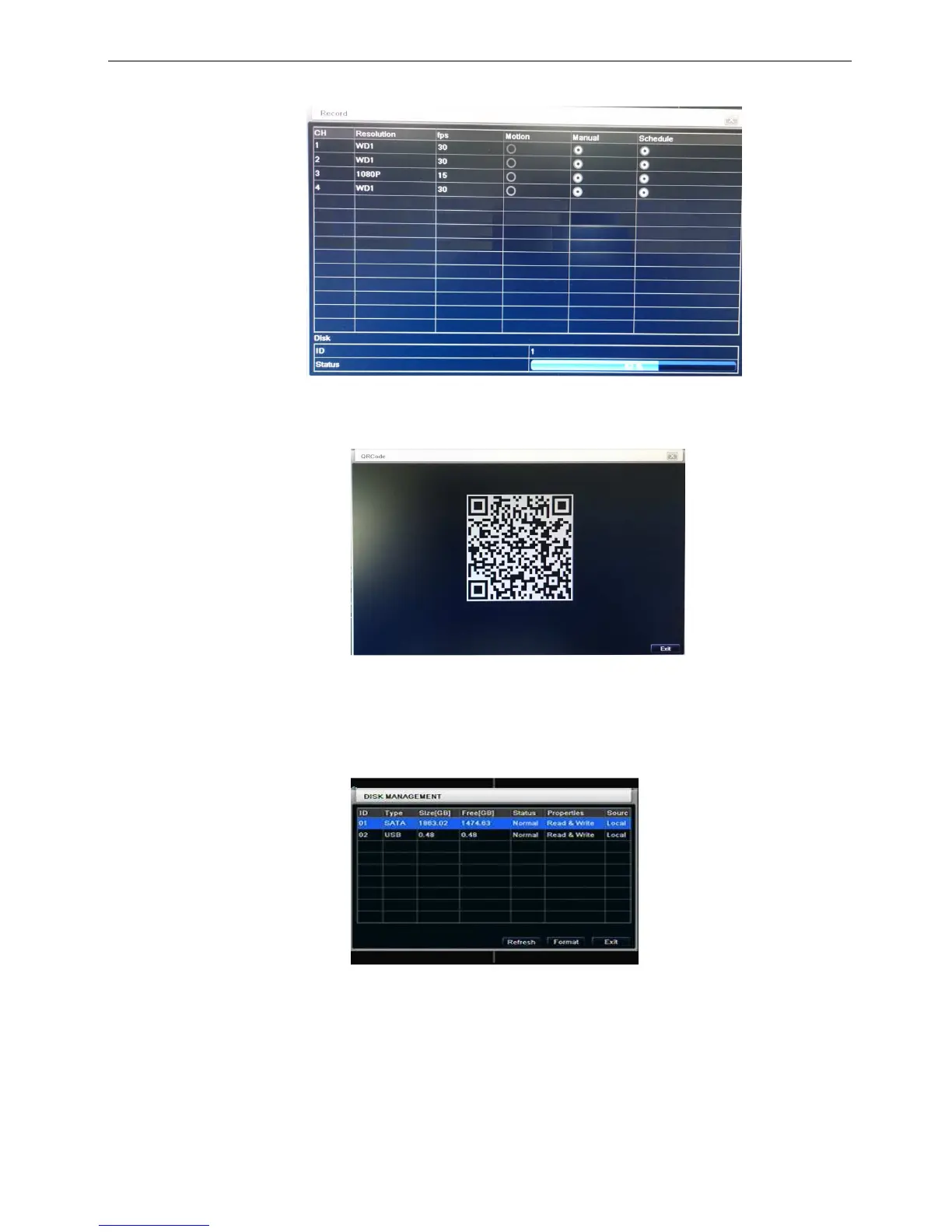
5.1.6 Record
In this interface, user can check the current recording mode; refer to Fig 5-7:
Fig 5-7 Record information
5.1.7 QRCODE
In this interface, user can quick link to the DVR ;refer to Fig 5-8:
Fig 5-8 QRCODE
Note: Reference to the NAT setting description.
5.1.8 Disk manager
Step1: enter into disk manager interface; refer to Fig 5-9:
Fig 5-9 disk manager
Note: please format the hard disk before record. If not being formatted, it will show the status of the
disk-free space, and total space show OM at the bottom of screen.
Step2: click Refresh button to refresh the disk information of the list box; set the property of the disk then
click Apply button to save the setting
Step3: checked a hard disk, click Format button to star format.
Note: all recorded files in the hard disk will be lost after formatted.



 To Next Page