About the router, please check in the router manual.
Step5: Open IE browser, input IP address, or dynamic domain name and enter. If HTTP port is not 80, add the
port number after IP address or domain name.
Step6: IE will download ActiveX automatically. Then a window pops up and asks for user name and password.
Step7: Input name and password correctly, and enter to view.
Notice: If you cannot download and install ActiveX, please refer to “FAQ” Q7.
2. Connect the DVR to internet directly.
Step1: Input IP address, Subnet, Gateway gotten from your ISP. If using ADSL, please input user name and
password, and click OK. The DVR will connect the server and show “connection succeeds”.
Step2: The following steps are the same as STEP4-7 of the connection way above.
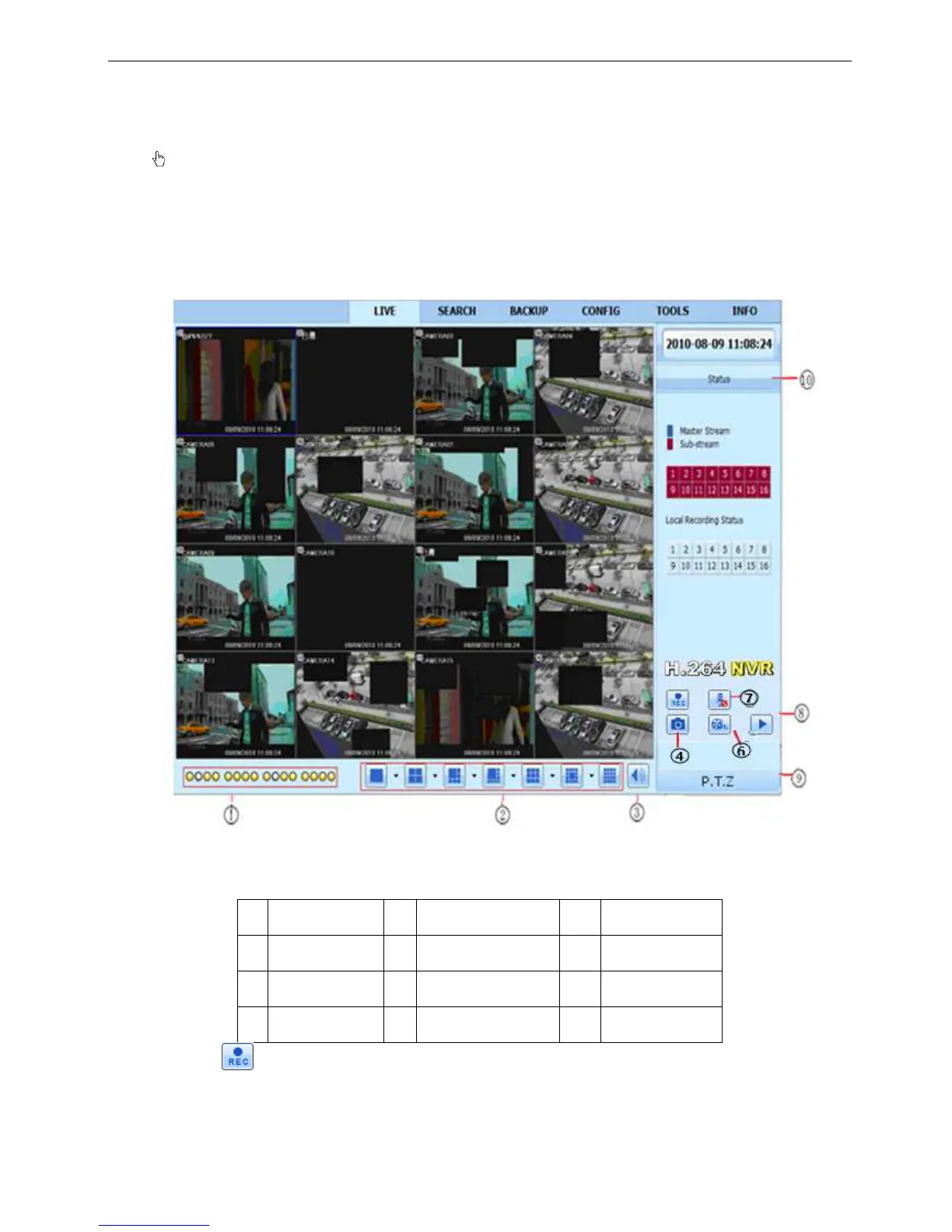
6.2 The remote live preview interface as below:
Fig 6-2 Remote live preview interface
Symbol and function Definitions:



 To Next Page