4
1. Front Panel Instructions
• Notice: The pictures are only for reference; please make the object as the standard.
1.1 Front Panel
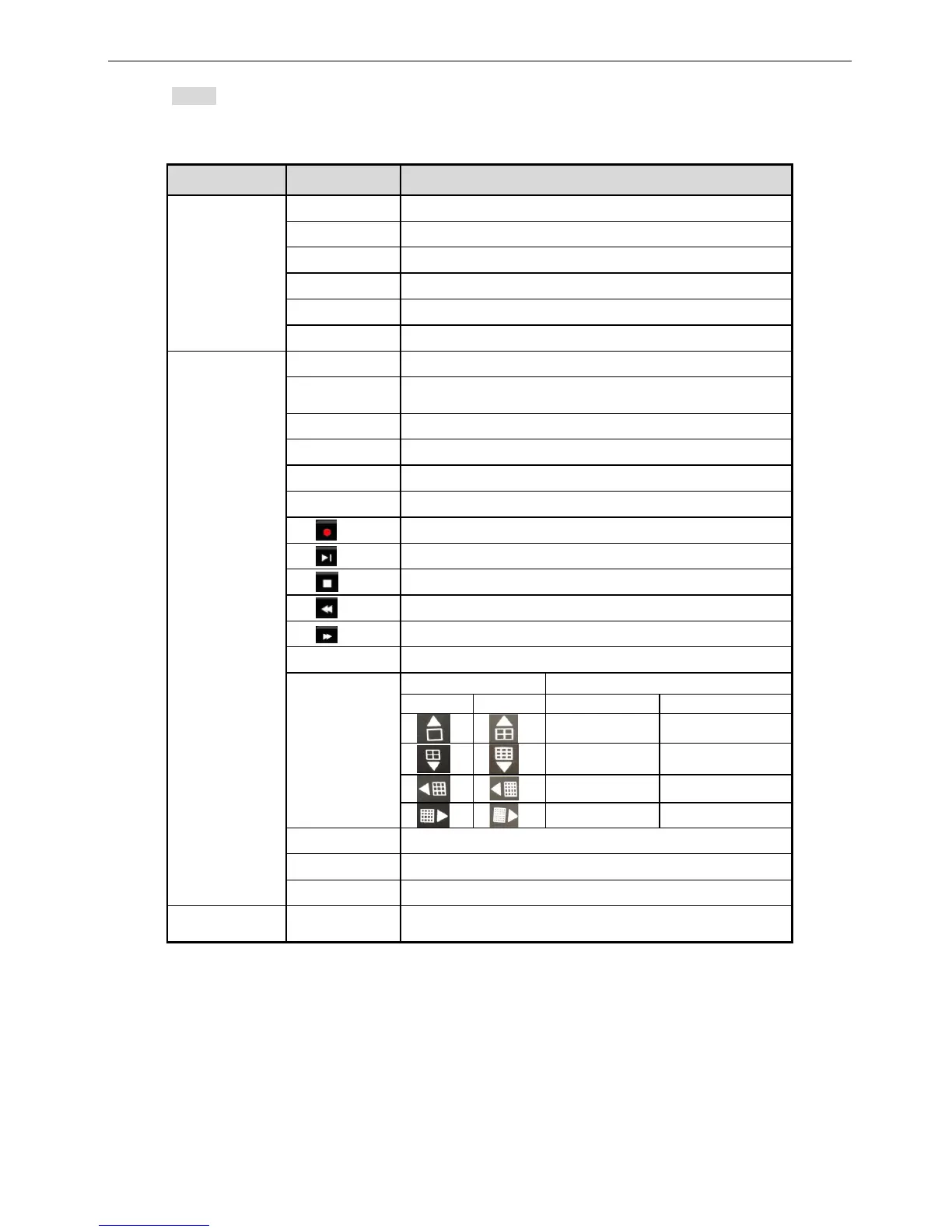
Label Function
LED indicator
Power Power indicator, when connection
HDD When HDD is writing and reading
Net When access to network
Backup When backup files and data
Play When playing video
REC When recording
Button
Audio/+ 1. Control voice 2. Increase the value in setup
PTZ/- 1. Enter PTZ mode in live
2. Decrease the value in setup
MENU Enter menu in live
INFO Check system information data
Backup Enter backup mode in live
Search Enter search mode
36 Split display
Direction
Change direction to select items
Multi-screen Change screen display mode like1/4/9/16/25 channel
Enter Confirm selection
USB
USB port To connect external USB devices like USB flash, USB
HDD, USB VCD/DVD



 To Next Page