7
1.4 Mouse Control
◆Connection: Please connect the USB mouse to USB port on the front or back panel.
◆Mouse functions:
1)Under LIVE mode:
On every channel,you could double click the left button to switch FULL SCREEN and
double click again to switch back to original split mode.
On every channel,you could single click right button to popup MENU page.
2)Under MENU page:
Single click left button on any functional icon could enter the function page and Single click
right button to exit function page or jump back to previous page.
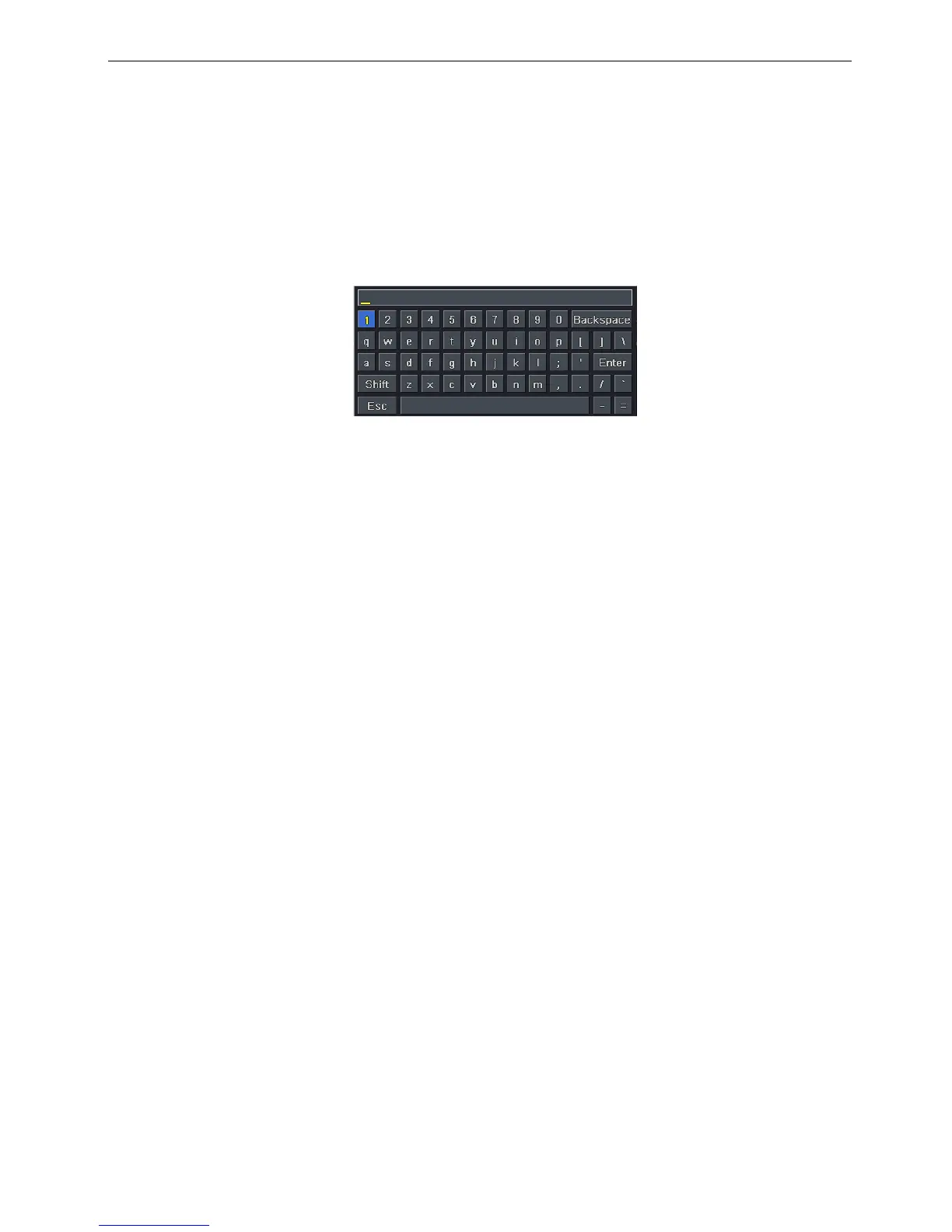
If you want to key in letter or digit, please move mouse to textbox then single click left
button on textbox. The virtual keyboard will pop up as following,
3)Under Backup mode:
Single click left button to select item, single click right button to jump back to previous page.
4)Under PTZ mode:
Single click left button to operate PTZ function, single click right button to jump back to previous
page.



 To Next Page