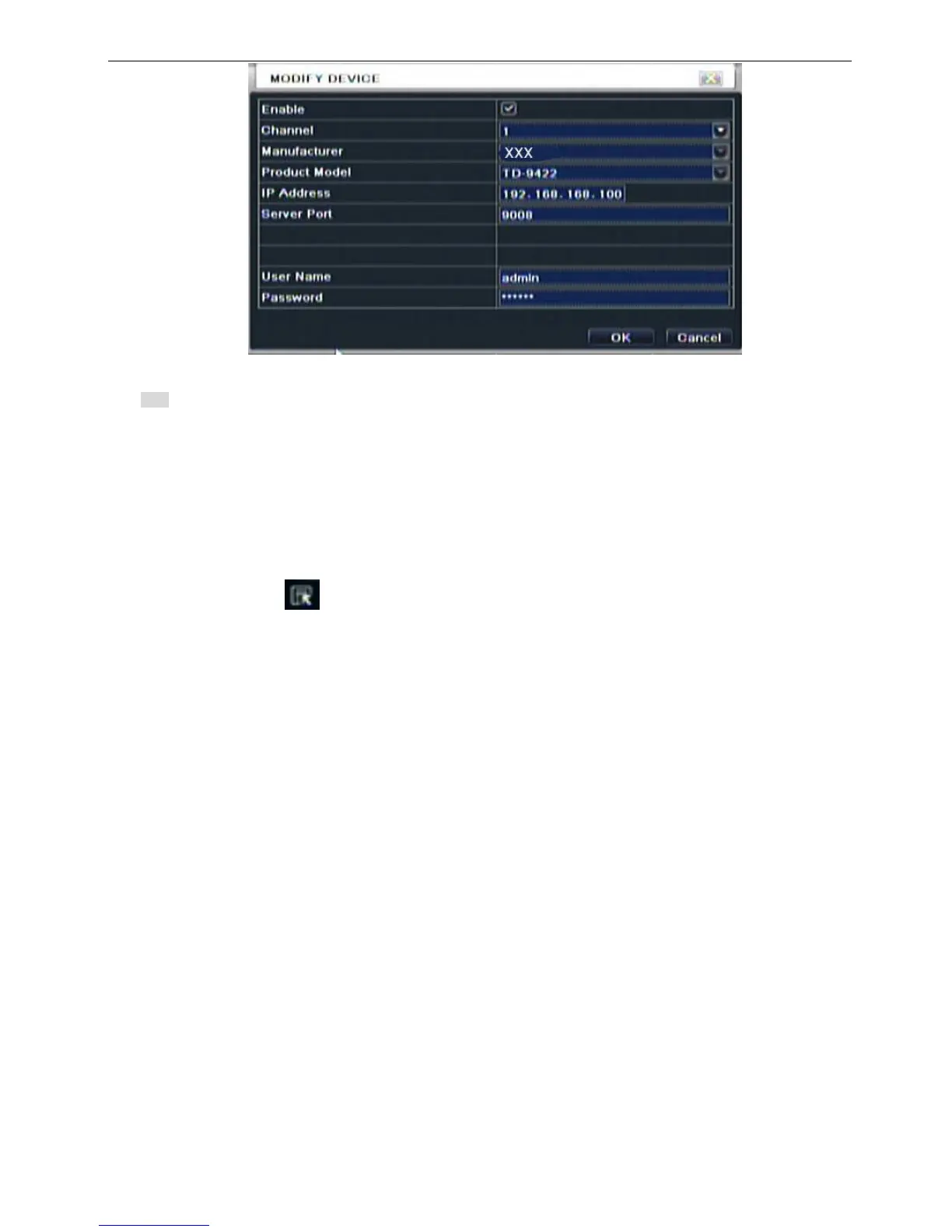
Fig 5-12 Add Device
Note: If IP cameras and DVR are in the same network, their IP address must be in the same network segment. For
example: If the IP address of DVR is 192.168.006.067, the IP address of IP camera must be 192.168.006.XXX. If the NVR
is connected through PPPOE, the IP camera can be connect through PPPOE. If the LAN IP address is used in the IP
camera, you shall forward the IP address and port of the device in the router, otherwise, the DVR cannot connect this IP
camera.
5.1.11 Log off
Click Log off icon, a log off dialogue box will popup, click OK button, the device will log off. If user wants to
log in again, click icon to enter into user name and password to relogin.
5.1.12 Shut down
Note: DVR going to power off



 To Next Page