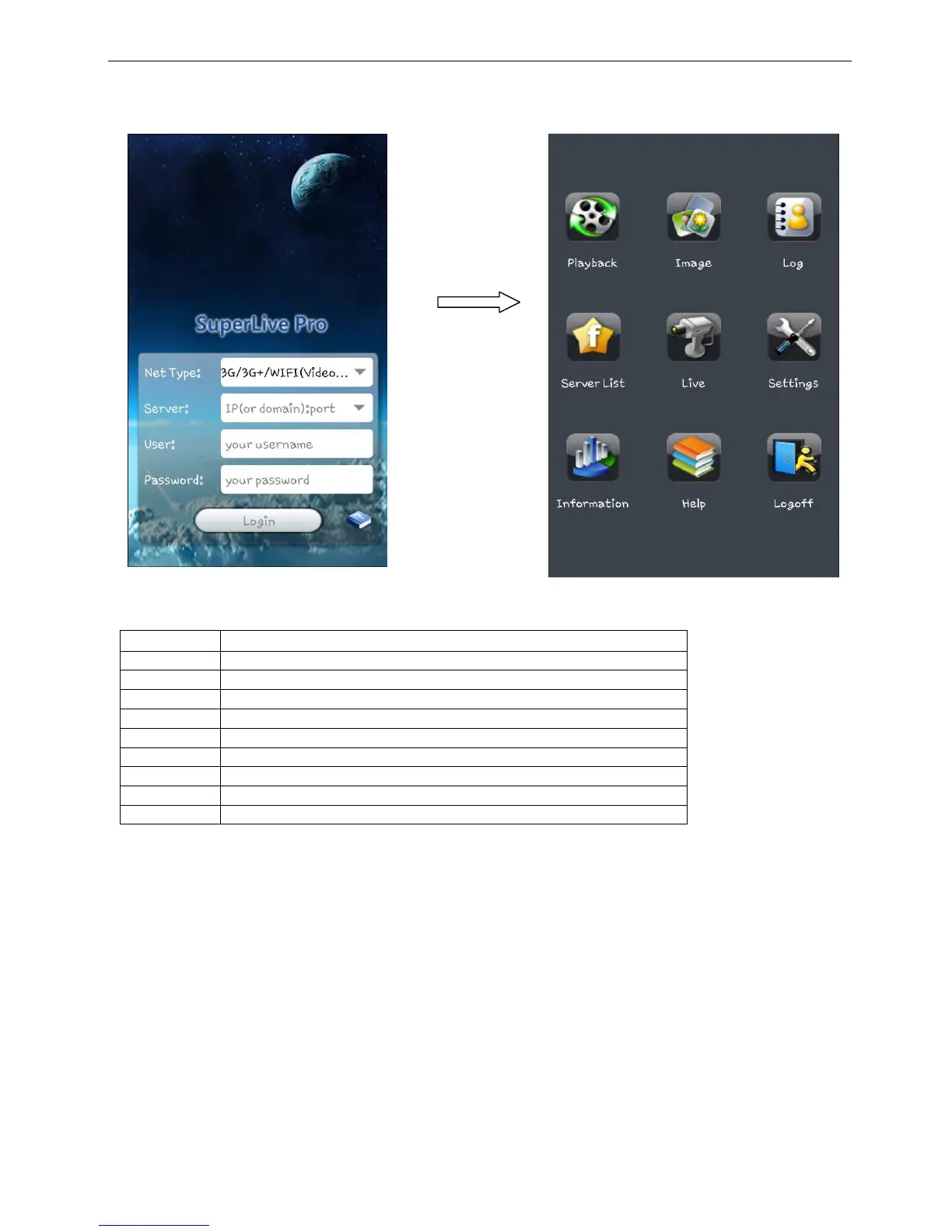
Key your DVR IP, the username and
password, if you want the program to keep
in memory select REMEMBER SERVER,
then click on LOGIN
You are connected to the DVR, you can see
all the functions of the program
Main interface description
Playback Video file playback
Image Server photo browse
Log Software log
Server list View and edit server list
Live View camera online
Settings Software configure
Information
Server and software information
Help Help Information about software and FAQ
Logoff Log off from current server



 To Next Page