3.2.4 Mask
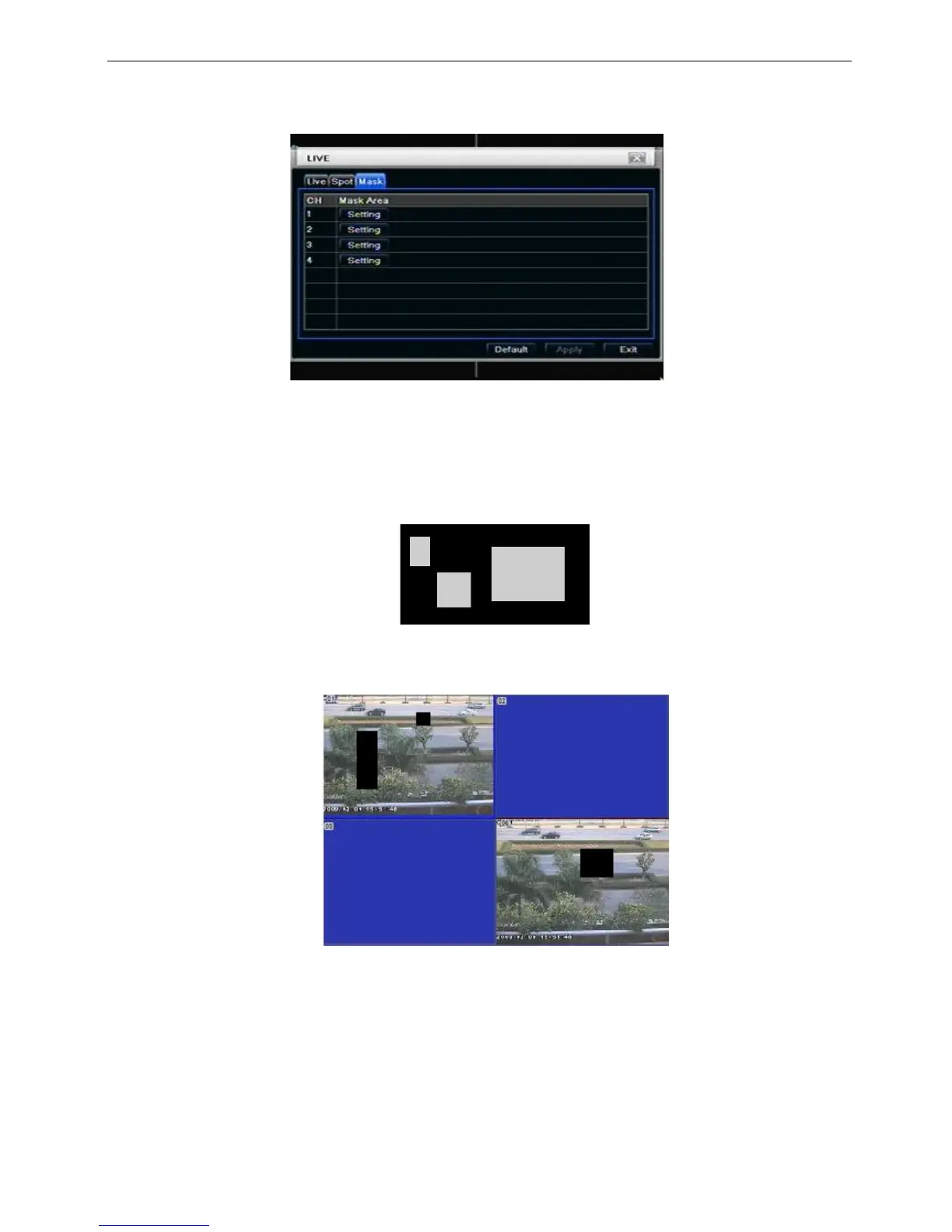
User can setup private mask area on the live image picture, max threes areas.
Fig 4-10 live configuration-mask
Setup mask area: click Setting button, enter into live image to press left mouse and drag mouse to set mask
area, refer to below picture. Click Apply button to save the setting.
Delete mask area: select a certain mask area, click left mouse to delete that mask area, click Apply button to
save the setting.
Setup mask area
Notice: The mask area will not be recorded on DVR. Please use this function carefully.
Live image mask area



 To Next Page