5 Manage DVR
5.1 Check system information
Check system information includes five submenus: system, event, log, network and online user.
5.1.1 System information
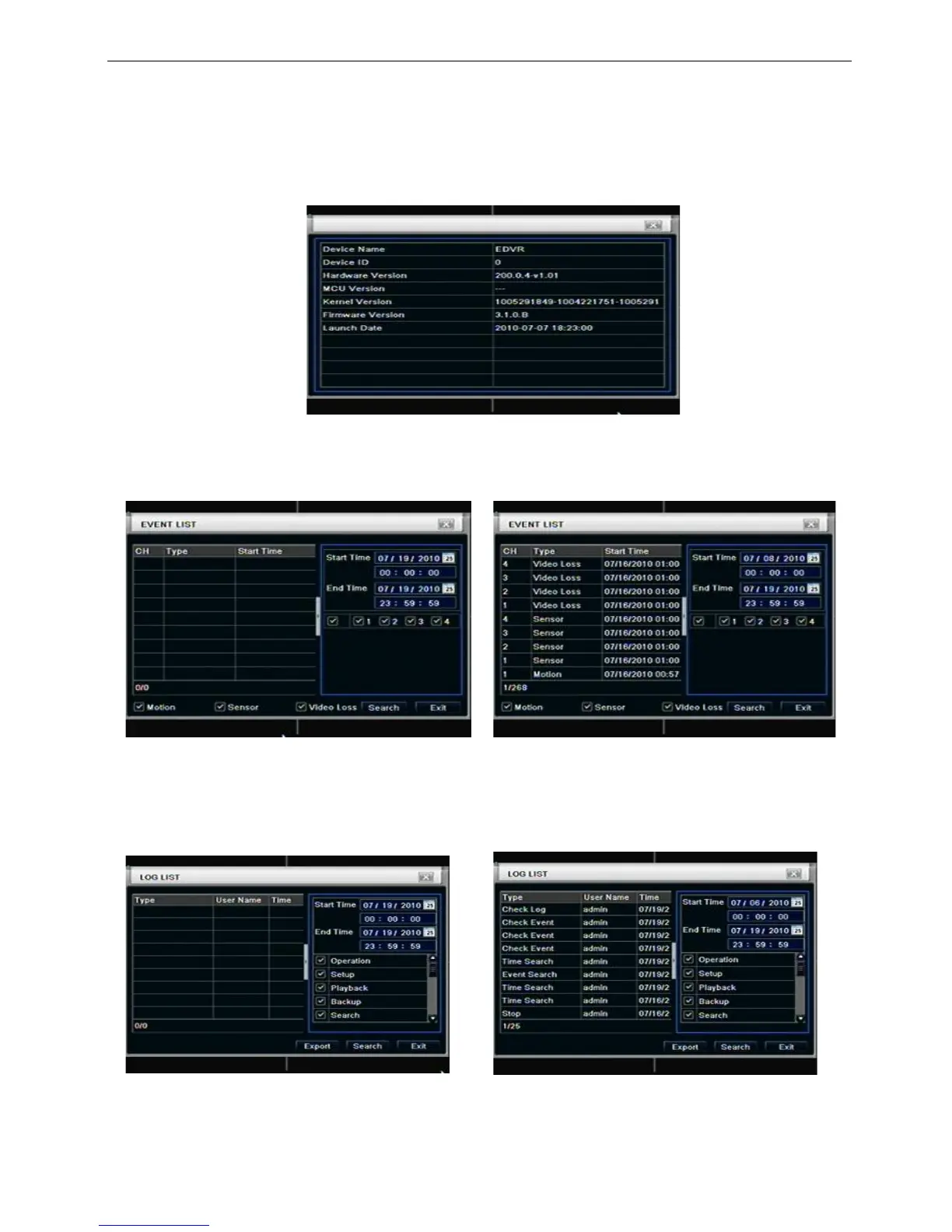
In this interface, user can check the hardware version, MCU version, kernel version, device ID, etc. refer to
Fig 6-1:
Fig 6-1 system information
5.1.2 Event information
In this interface, user can check record events according to set date; refer to Fig 6-2:
Fig 6-2 event information
5.1.3 Log information
In this interface, user can check relevant log information according to set date; refer to Fig 6-3:
Fig 6-3 log information
5.1.4 Network information
In this interface, user can check relevant parameters of network; refer to Fig 6-4:



 To Next Page