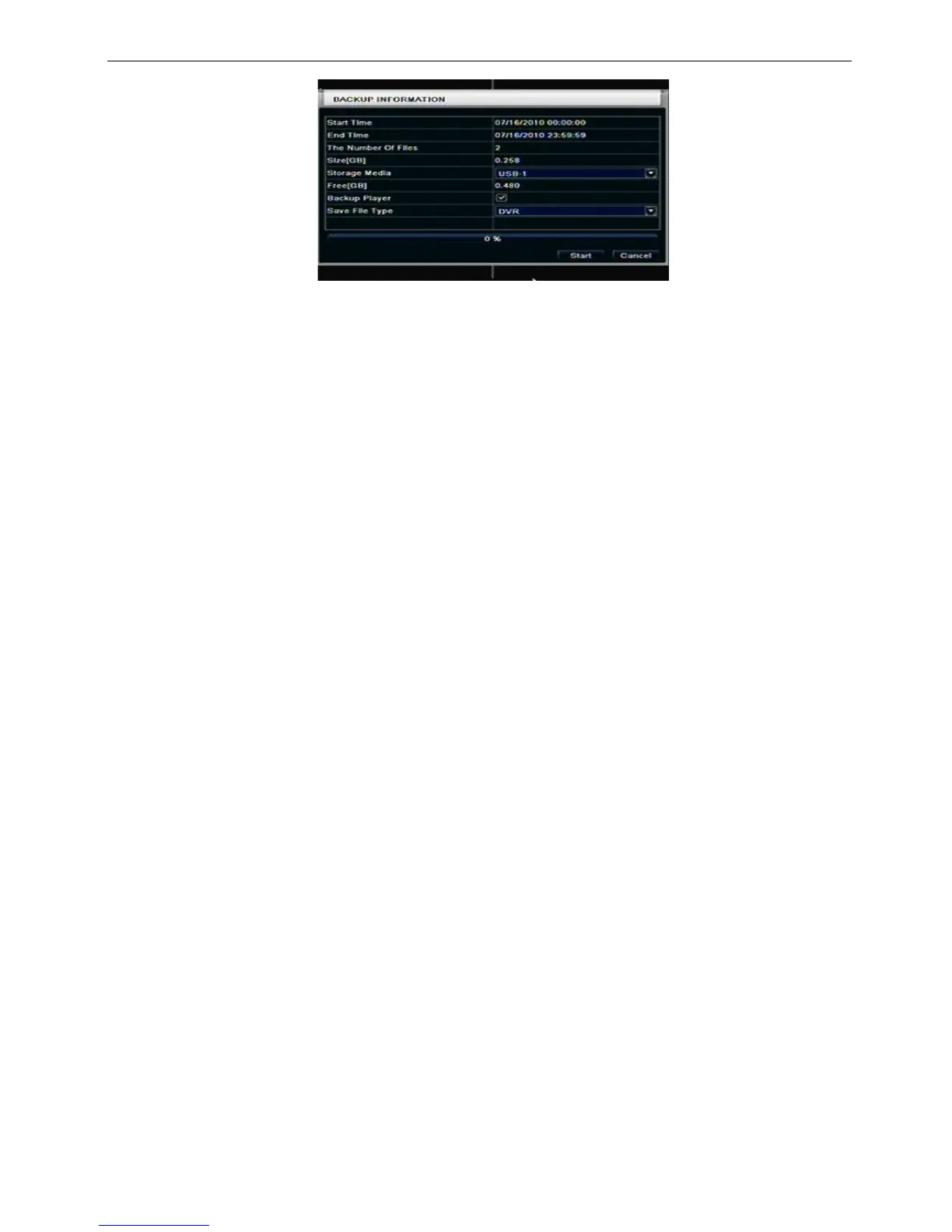
Fig 5-5 backup information
Step4: in the backup information interface, user can check the relevant information of backup files, storage
type, save file type, etc. click Apply button to starting backup.
Note: when the monitor resolution is VGA800*600, the file manager interface will appear a hide
button, click this button, the whole interface can be expanded.



 To Next Page