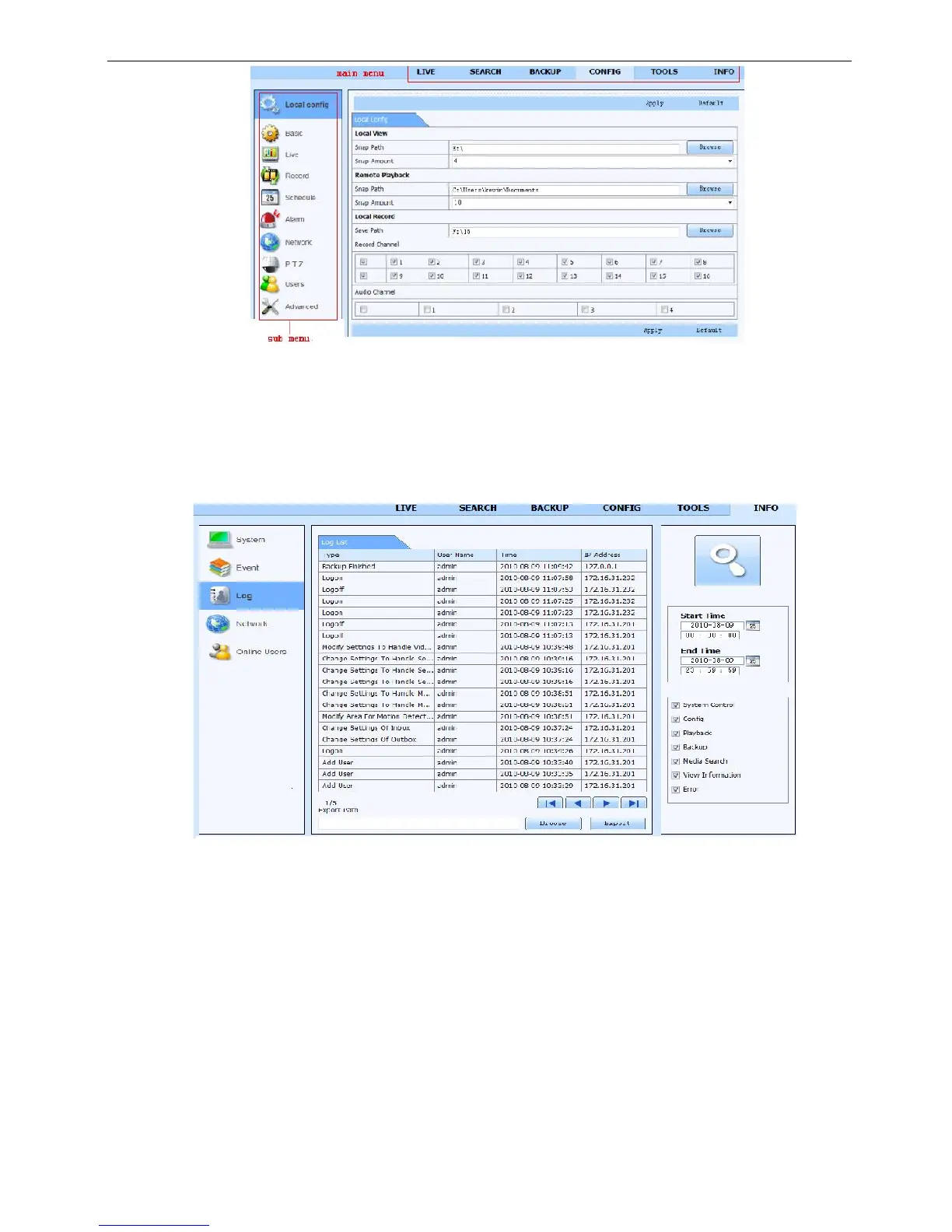
Fig 7-11 remote menu setup
The sub menu lists and the options in every item are similar with those on the DVR. Please refer to Chapter 3
Main Menu Setup Guide for more details.
Click “Apply” button to save above settings; click “default” button will recover the original settings.
6.5 Remote Management
Remote Information Search
The system will automatically record the working condition and operation process during the period of work.
User can view information, such as username, IP address and so on. Enter into INFO→Log, user can set the
start time to view the log record as follows:
Fig 7-12 Remote information search



 To Next Page