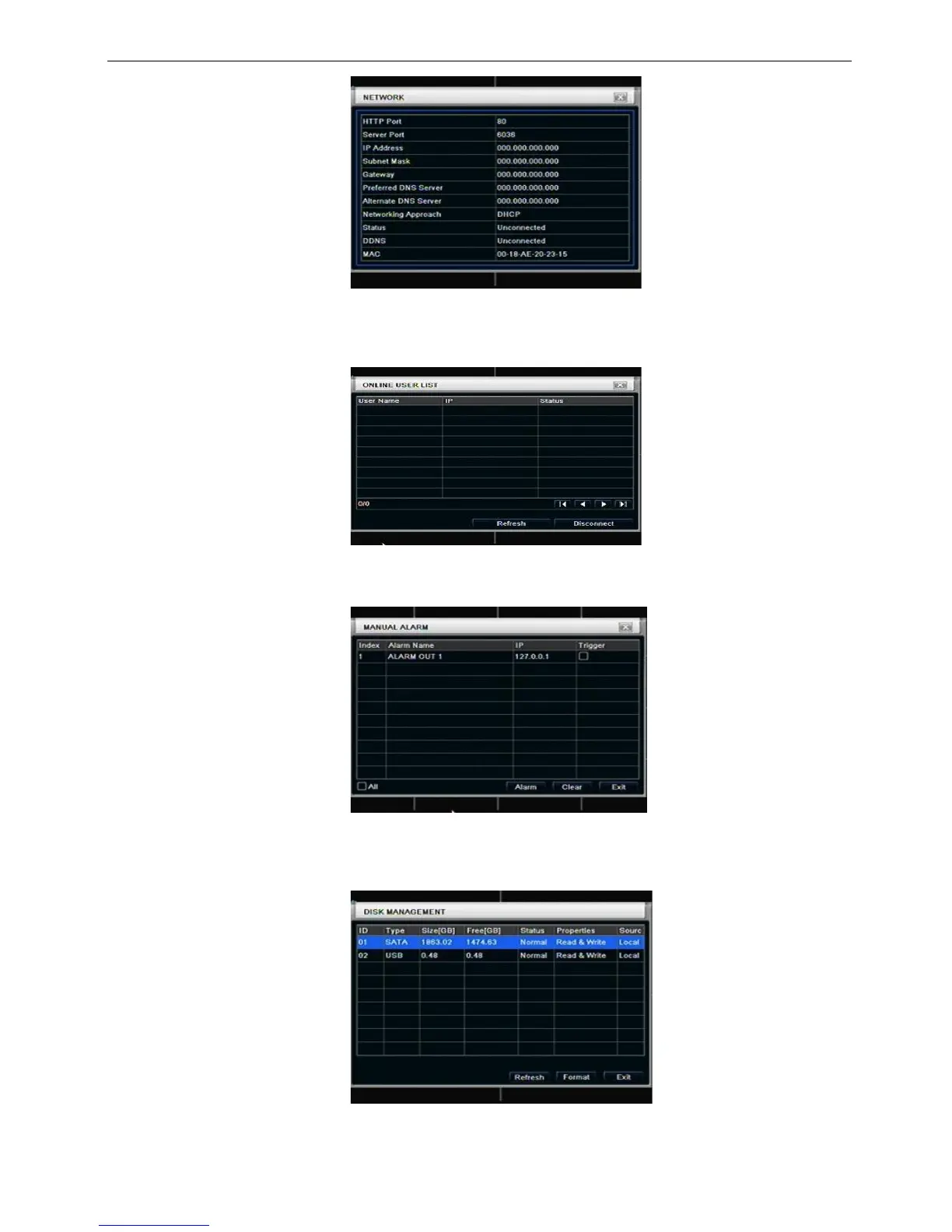
Fig 6-4 network information
5.1.5 Online information
In this interface, user can check the details of the current connection of online users; refer to Fig 6-5:
Fig 6-5 online information
5.1.6 Manual alarm
User can check the relevant parameters of manual alarm to active emergency warning
5.1.6 Disk manager
Step1: enter into disk manager interface; refer to Fig 5-7:
Fig 6-7 disk manager
Note: please format the hard disk before record. If not being formatted, it will show the status of the



 To Next Page