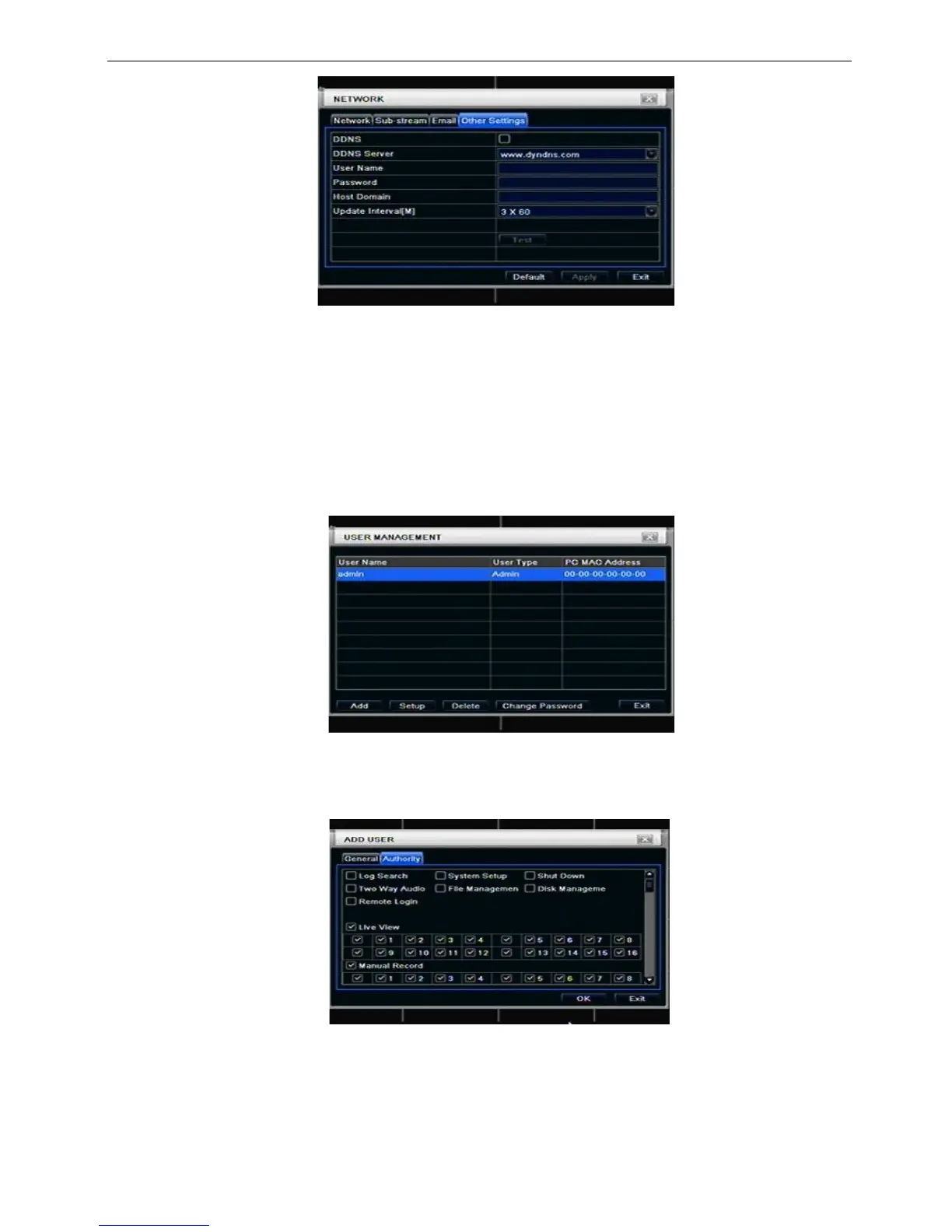
Fig 4-32 network configuration-other settings
STEP2: click “default” button to resort default setting; click “apply” button to save the setting; click “exit” button
to exit current interface.
Note: The domain name server that selected by user is a banding domain name of DVR. User should
logon the website which provided by the server supplier to register a user name and password firstly,
and then apply a domain name on line for the server. After the successful apply, user can access the
server from the IE client by inputting that domain name.
*Please reference Appendix C to setup DDNS function.
3.7 User management configuration
Step1: enter into system configurationuser management configuration; refer to Fig 4-33:
Fig 4-33 user management configuration
Step2: click Add button, a dialog box will pop-up as Fig 4-34:
Fig 4-34 add-general
① General: Input user name, password; select user type: normal and advance, input the MAC address of
the PC; click OK button, this user will be added into the user list box; click Exit button to exit the current
interface.
Note: when the default value of binding PC MAC address is 0, the user is not bind with the specify



 To Next Page