4.1 SIM Card Installation
V30 Plus receiver supports the SIM card.
Table 4-1-1 SIM Card Description
To implement an RTK work using the V30 Plus receiver, you need to prepare a SIM card
and open the data communication service. The number of cards required depends on your
RTK measurement system configuration.
The SIM Card Installation Steps Are as Follows:
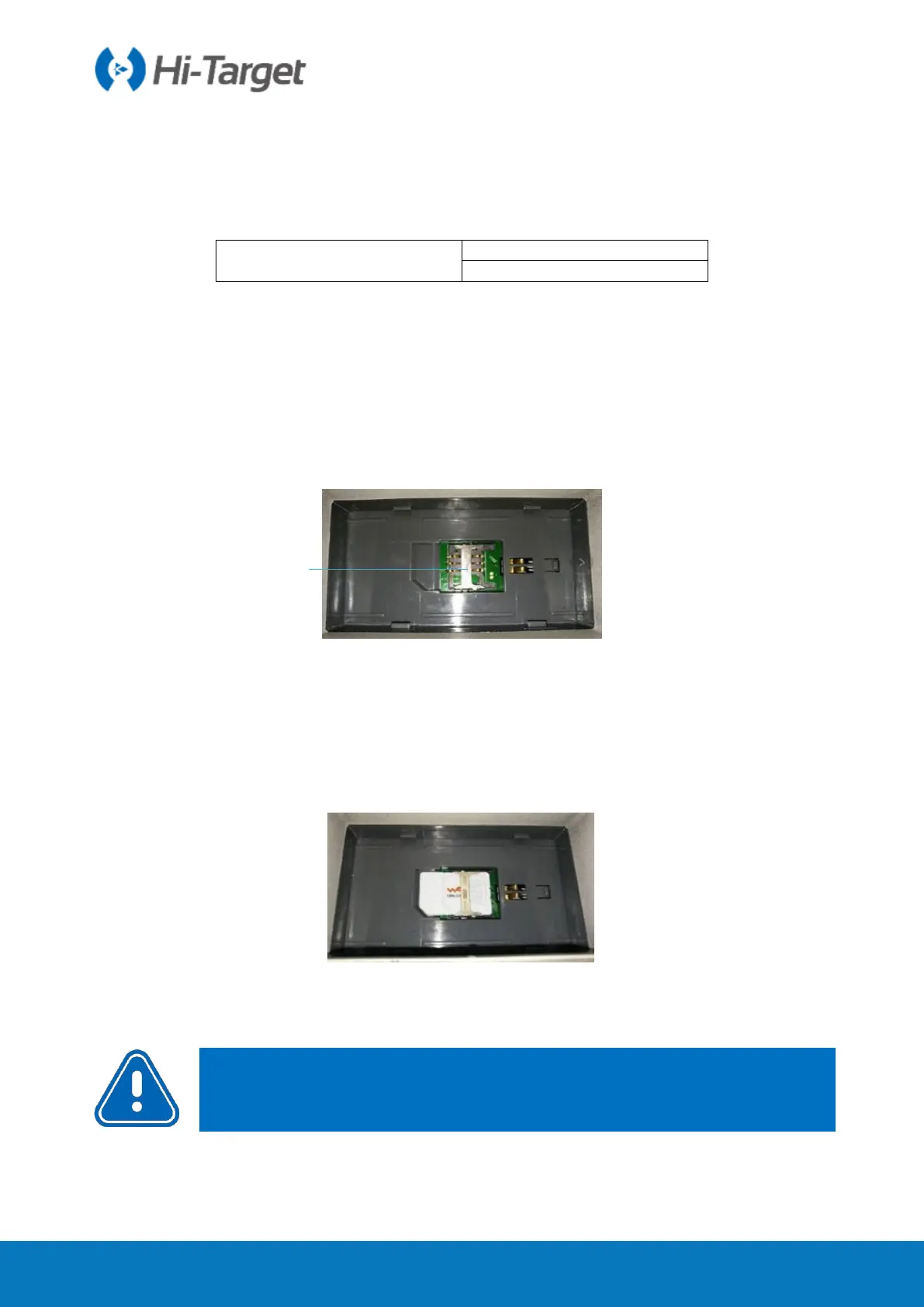
1. Remove the battery cover and remove the battery to expose the SIM card slot.
SIM Card Slot
Figure 4-1-1 SIM Card Slot
2. The direction of the gap of the SIM card is the same as that of the card slot.
3. Insert the SIM card into the card holder and insert the front side (with metal contacts)
into the card slot.
Figure 4-1-2 Installation
4. The entire SIM card is placed in the card slot. The installation is completed.
Notice: The receiver must be powered off before installing the card! If the SIM
card is installed in the power on state, the receiver will not be able to



 To Next Page