2.5 Firmware Upgrade
The receiver uses 3G network, and the host firmware can be automatically upgraded
through the network (Please refer to: Hi-Survey Road Software User Manual), and the
user can also choose to manually upgrade through U disk.
Steps to upgrading the firmware by USB cable:
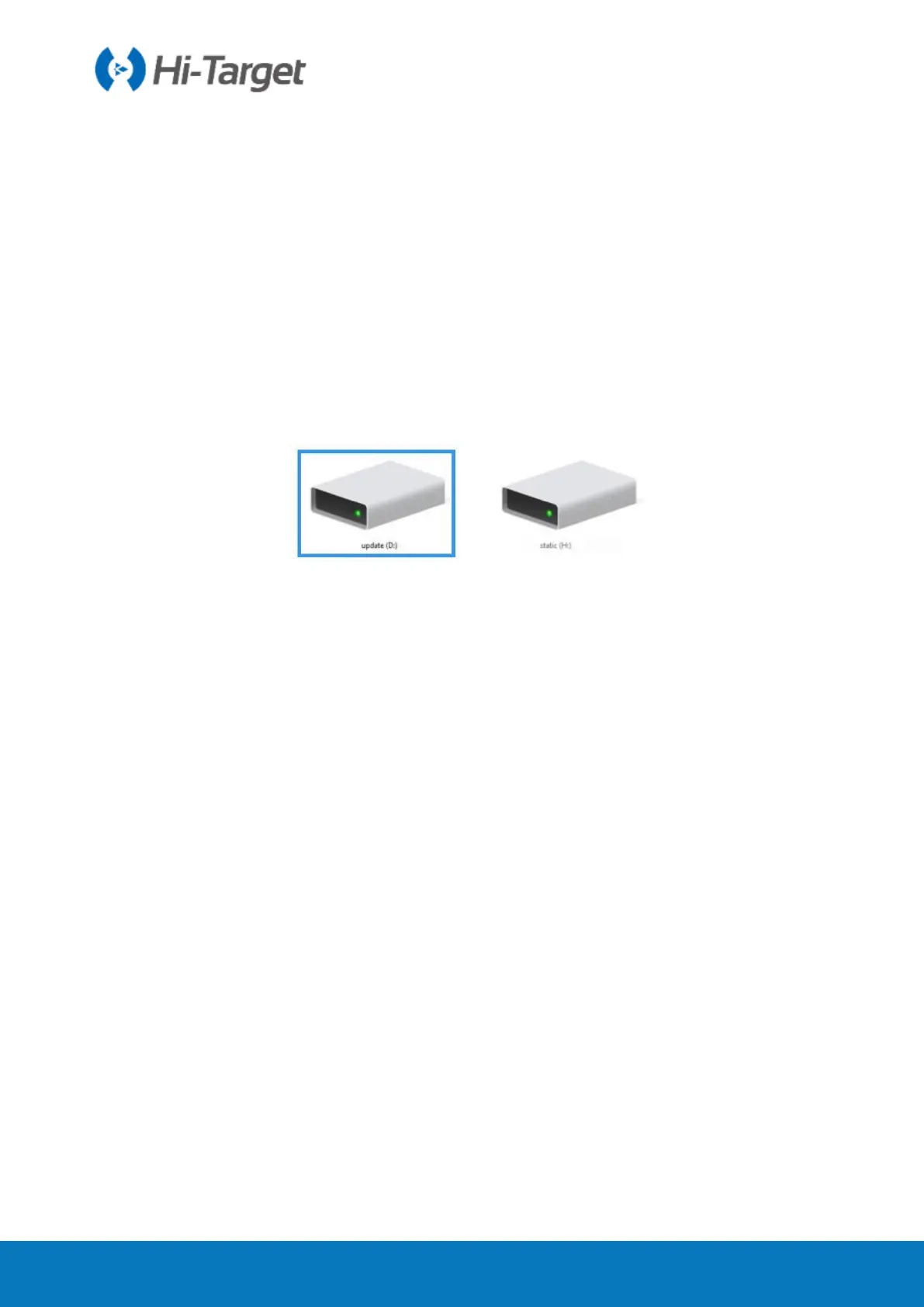
1. Turn on the receiver, connect the receiver and computer with the cable attached. It will
show the update drive after clicking the computer;
2. Copy the firmware (download from our official website or get it from the technical team)
to the update drive. Disconnect the computer and receiver, and restart the receiver;
Figure 2-5-1 Update Drive



 To Next Page