19 - 60
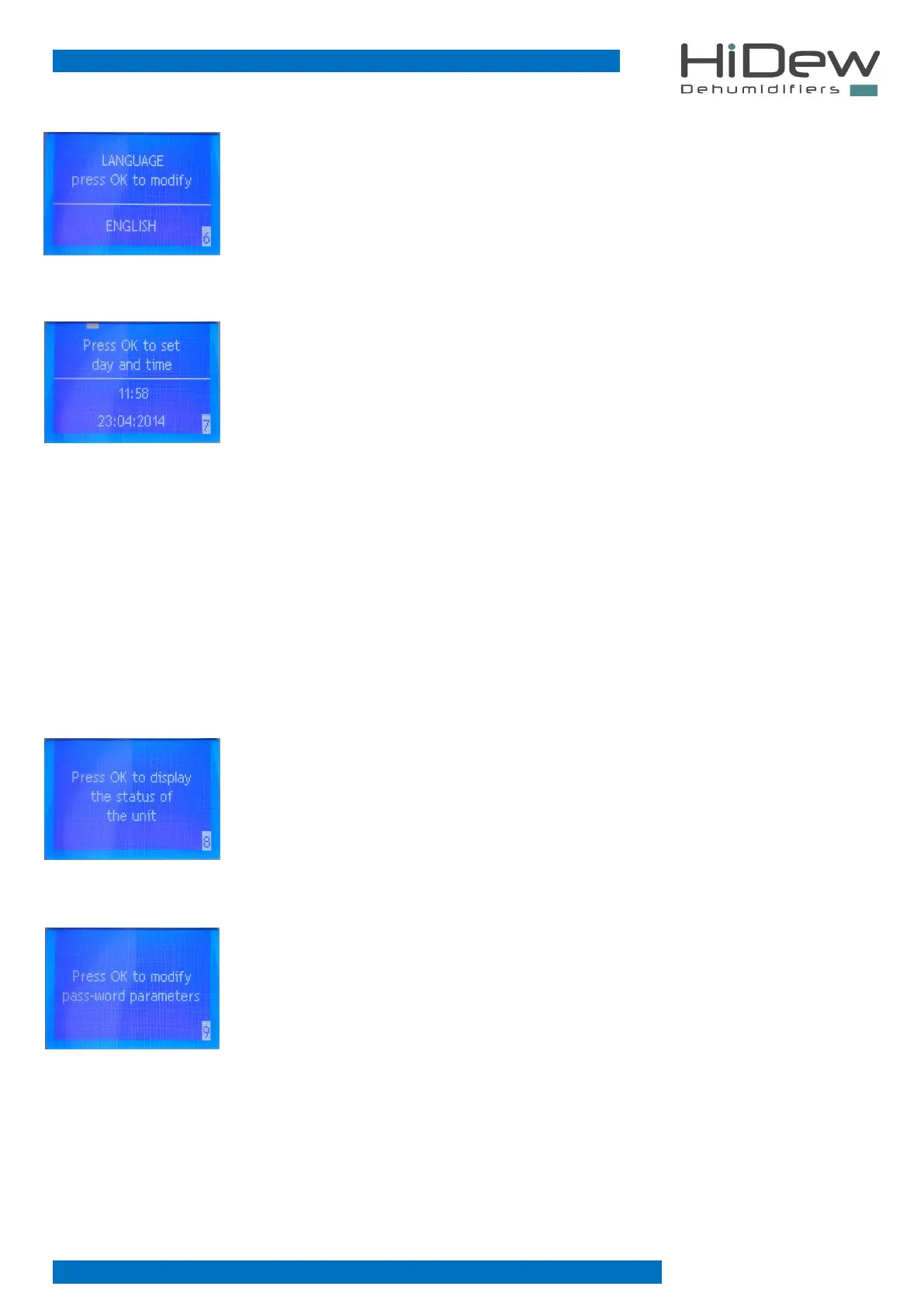
On the left page 6 of the user menu is used to set the language
- press OK to enter the modification phase, press UP and DOWN to modify and press OK to
confirm and to exit from the modification phase
- press EXIT to exit and to return to the main page
- use the UP key to return to the previous page
- use the DOWN key to continue on the next page
On the left page 7 of the user menu is used to set the time and date necessary for correct
functioning of the time slots and the other functions of the unit
You will modify sequentially:
1. the day of the week
2. the hour
3. the minutes
4. the day
5. the month
6. the year
- press OK to enter in the modification phase
press UP and DOWN to modify the setting
press OK to confirm and to go to the following modification
having arrived at the last modification, with OK you confirm and exit from the modification
phase
- press EXIT to exit and to return to the main page
- use the UP key to return to the previous page
- use the DOWN key to continue to the next page
On the left, page 8 of the user menu is used to view the status of the unit, therefore what is on or
off and the temperature and humidity probes reading
- press OK to enter the unit status menu
- press EXIT to exit and to return to the main page
- use the UP key to return to the previous page
- use the DOWN key to continue on the next page
On the left, page 9 of the user menu is used to modify the password-protected parameters
- with the OK button it is possible to enter the password request page
- press EXIT to exit and to return to the main page
- use the UP key to return to the previous page



 To Next Page