EasyManua.ls Logo

HiDew DOS - User Manual

Default Icon
60 pages
Print Icon
To Next Page IconTo Next Page
Loading...
www.hidew.it
info@hidew.it
INSTALLATION, USE AND
MAINTENANCE MANUAL
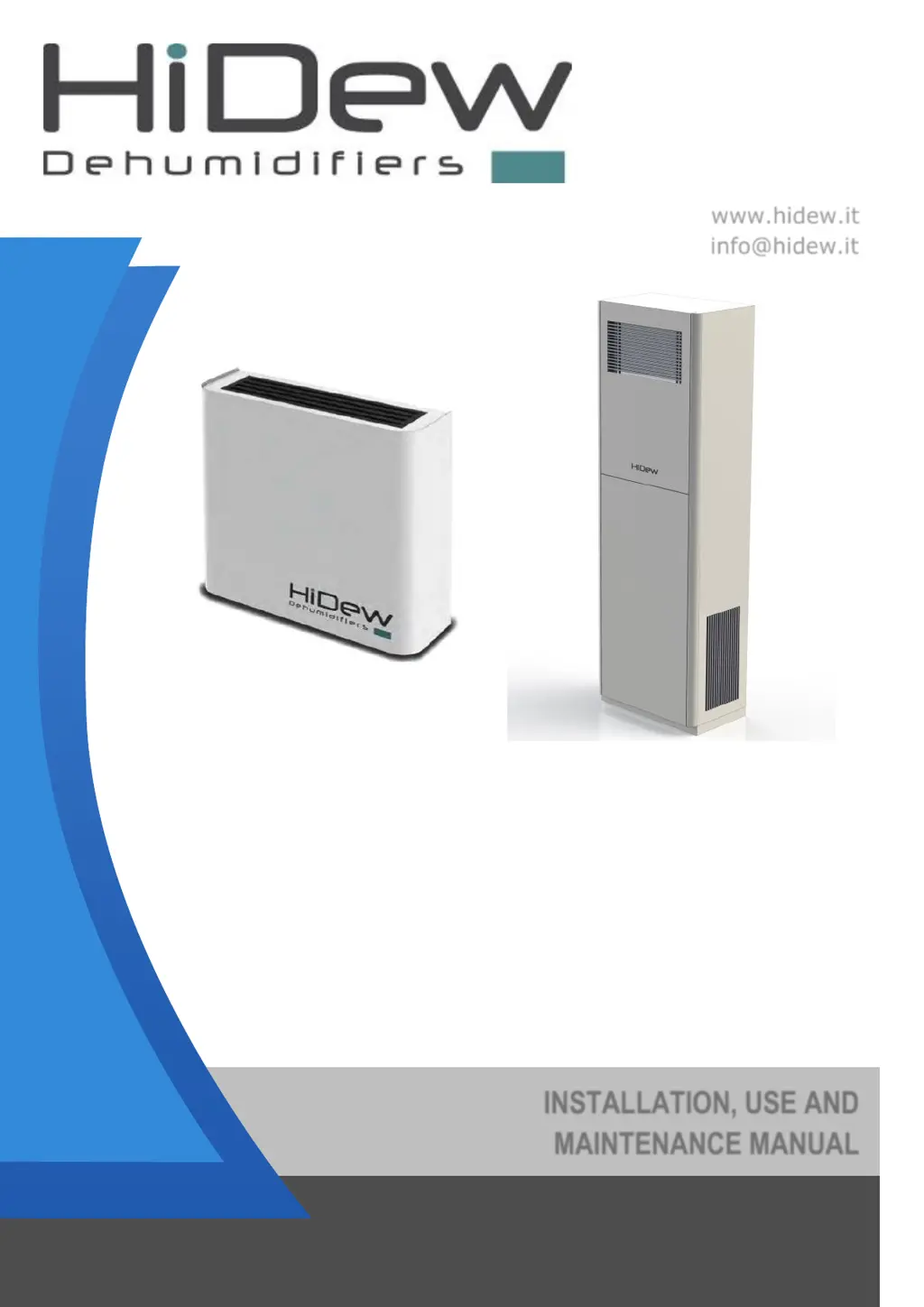
DDS Dehumidifier for exposed installation swimming pools
DCS Piped dehumidifier for technical compartment
installation swimming pools
DVS Vertical dehumidifier for exposed installation swimming
pools
DOS Horizontal dehumidifier for false ceiling installation
swimming pools

Questions and Answers

  • B
    bjonesAug 10, 2025
    Why won't the compressor start on my HiDew DOS Dehumidifier?
    • M
      Matthew WhiteAug 11, 2025
      If your HiDew Dehumidifier compressor isn't starting, there might be a few reasons: 1. The internal thermo-protector might have intervened. Unplug the unit, let the compressor cool, and then plug it back in to see if it restarts. Also, try to identify and eliminate the cause of the intervention. 2. The humidity set value might be preventing it from turning on. Try setting a different humidity level. 3. The ambient temperature could be too low. Ensure the room is above 12°C, or above 5°C if your unit has an optional hot gas defrost.
  • J
    johnscottAug 17, 2025
    How to troubleshoot a HiDew DOS Dehumidifier that won't start?
    • J
      Jeremy GreenAug 17, 2025
      If your HiDew Dehumidifier isn't starting, here are a few things to check: * Make sure the unit is receiving electrical power by checking the power supply terminals. * Verify that the electronic board is getting power by checking the terminal boards. * See if any alarms are present on the terminal, address the causes, and then restart the unit. * If you have models 210, 230, and 300, check that the sequence of phases is correct.
  • Z
    zcortezAug 26, 2025
    What to do if my HiDew DOS is showing high pressure?
    • P
      Pamela HollowayAug 26, 2025
      If your HiDew Dehumidifier is showing high pressure, it might be due to inadequate airflow. Check the following: * Ensure the filters, heat exchange coils, and recovery unit are clean. * Confirm that all the fans are turning correctly. * Inspect the length and number of curves in the channels. If the unit doesn't have electronic fans, reduce their length and number. If it's mounted, increase the fan speed.
  • S
    Scott GregorySep 2, 2025
    Why is the electric heating element overheating in my HiDew Dehumidifier?
    • C
      Christine LewisSep 2, 2025
      If the electric heating element in your HiDew Dehumidifier is overheating, it's likely due to inadequate airflow. You should: * Check that the filters, heat exchange coils, and recovery unit are clean. * Ensure that all the fans are turning correctly. * Inspect the length and the number of curves of the channels; if the unit does not have electronic fans, reduce their length and number; if it is mounted, increase the fan speed.

Summary

1 PREAMBLE

1.3 Intended Use

Specifies the unit's purpose for chlorine pools, prohibiting use in hazardous environments.

1.4 Residual Risk Areas

Highlights potential hazards like electrical risks, burns, and mechanical shearing.

1.5 Intervention and Maintenance

Safe practices for unit maintenance, emphasizing qualified personnel and proper tools.

1.6 General Safety Rules

Essential safety practices, including protective gear, fire safety, and hazard symbols.

2 PRODUCT DESCRIPTION

2.3 Operating Limits

Defines the temperature and humidity ranges for guaranteed unit performance.

2.5 Functions

Lists the diverse control functions and features of the unit's management system.

3 CONTROL

3.4 Alarms Menu

Details how to view, manage, and reset unit alarms.

4 TECHNICAL DATA

4.1 DDS - DCS Technical Data

Technical specifications for DDS and DCS dehumidifier models.

5 AFTER-SALES

5.1 Troubleshooting

Common faults, causes, and corrective actions for resolving unit issues.

6 DISMANTLING OF THE UNIT

7 INSTALLATION

7.2 Positioning and Space Requirements

Recommendations for unit placement, clearance, and installation environment.

7.3 Hydraulic Connection

Requirements for connecting the unit's water circuit and necessary components.

7.4 Electrical Connection

Guidelines for safe and compliant electrical hook-up, including wiring.

7.5 First Start, Calibration and Configurations

Essential steps for initial unit setup, calibration, and parameter configuration.

HiDew DOS Specifications

General IconGeneral
BrandHiDew
ModelDOS
CategoryDehumidifier
LanguageEnglish

Related product manuals