31 - 60
5.2 ORDINARY MAINTENANCE
5.2.1 Cleaning/replacing air filters
There is no standard time to clean the filters. Clogging of the air filters depends on use of the
machine and on the installation area. Please, check periodically the cleaning status. We remind
you that, an incorrect cleaning or the removal of the air filters from the unit, leads to serious risks
about its correct functioning and integrity. If the cleaning/replacement of the filters is not
respected, the warranty expires.
Vacuum the filters with a vacuum cleaner, manually removing any impurities that may prevent correct air flow, avoiding any
damage to them. Any damaged, punctured or otherwise damaged filter must always be replaced.
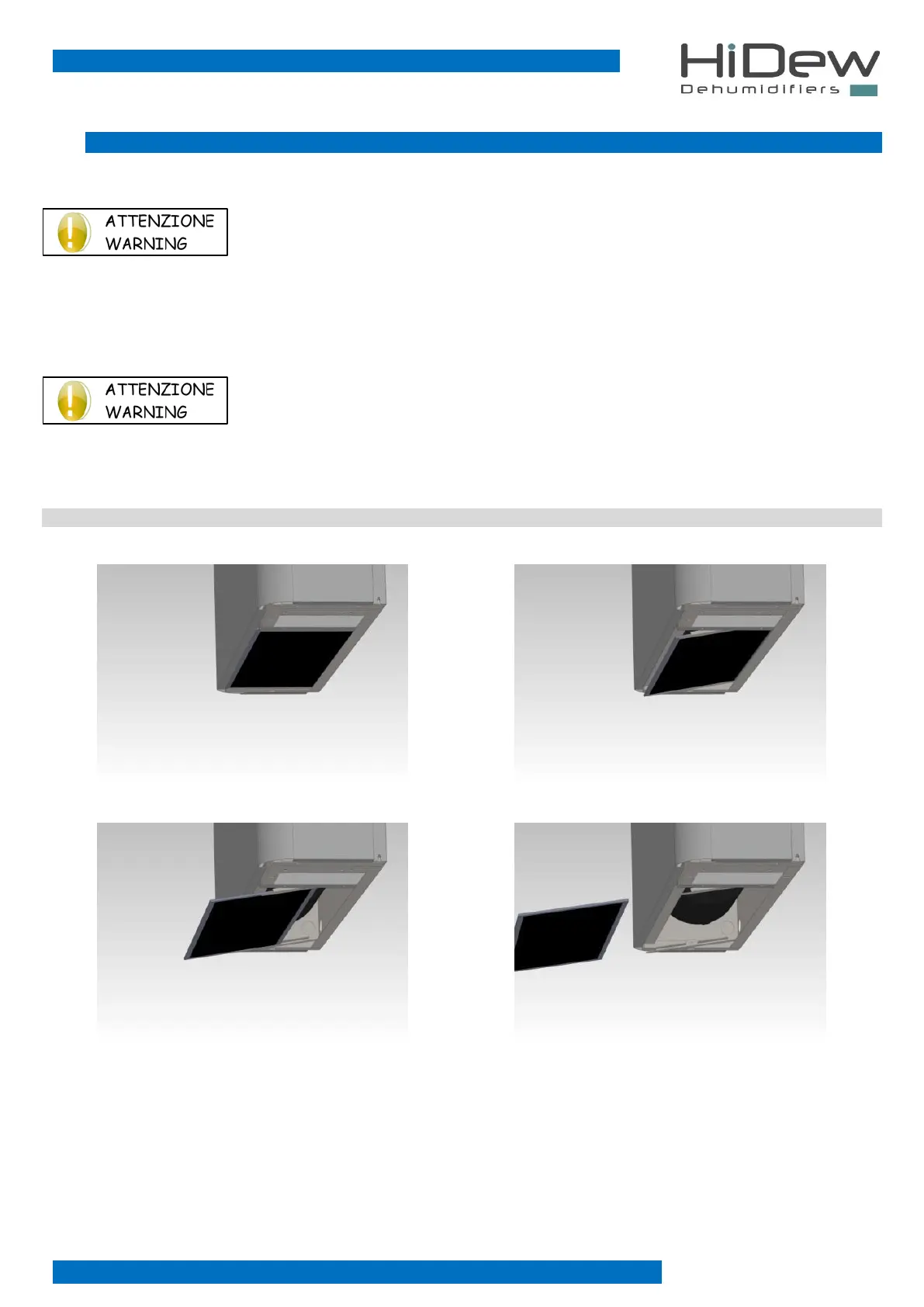
By removing access’ panels, filters may fall down. Therefore, pay maximum attention during the
opening phase to prevent the air filters from falling to the ground.
To remove the indication on the display “clean air filters” press the EXIT button.
DDS - DCS
Incline the filter downwards
Pull the filter out and remove it



 To Next Page