17 - 60
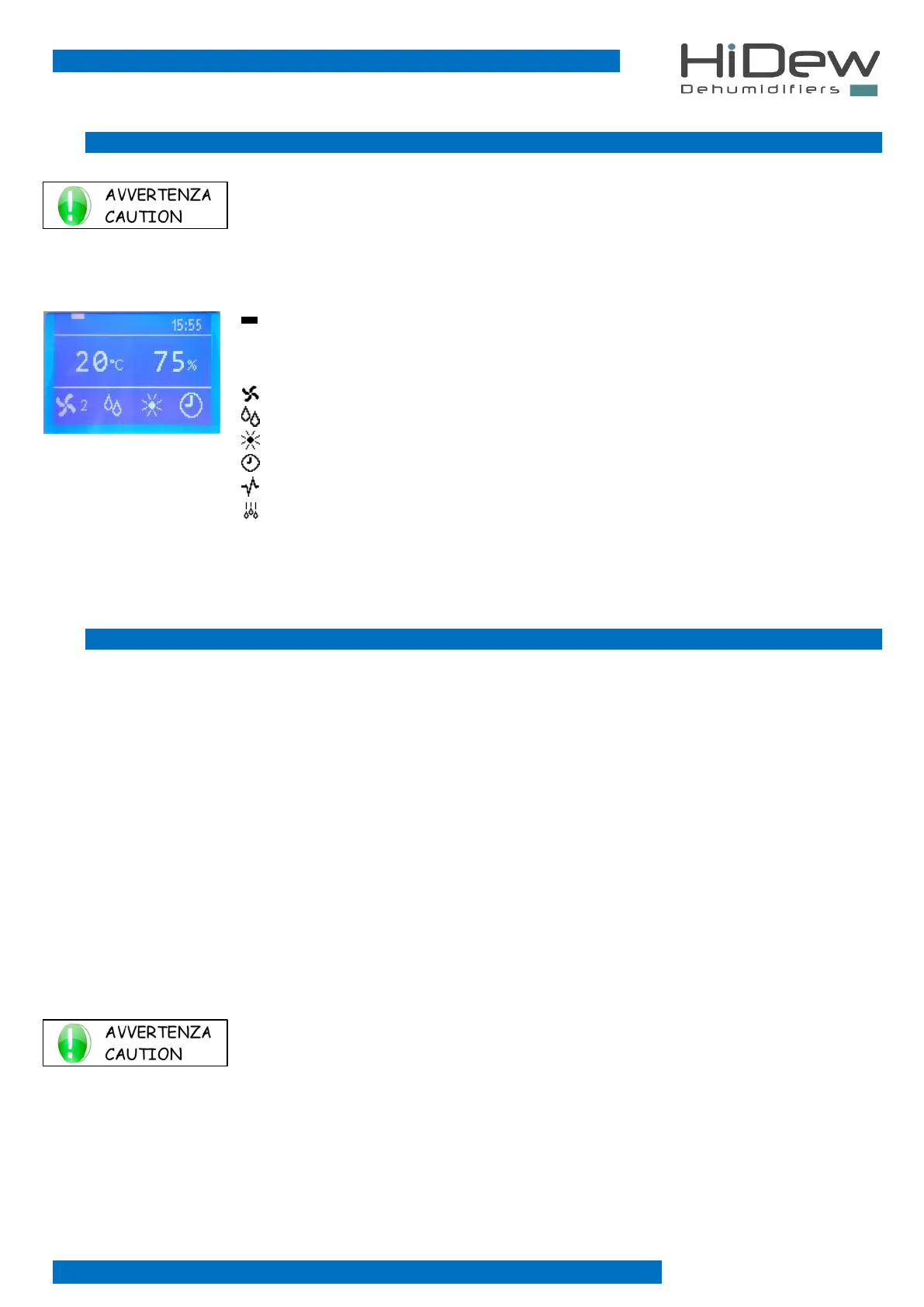
3.2 MAIN PAGE
USE OF KEYS:
- With OFF you turn off the unit
- By keeping pushed EXIT, you display temporarily the software version
- with MENU you enter the user menu
- at the top, it indicates the current day
- 15:55 it indicates the current time
- 20°C it indicates the current temperature
- 75% it indicates the current humidity
- 2 it indicates that the fan is on and running at the second speed
- indicates that the unit is dehumidifying the air
- it indicates that a heating device is active
- indicates that there are the time slots active
- indicates that the unit is managed through Modbus
- it indicates that defrosting is active
- CLEAN THE AIR FILTERS remember to check the state of cleanliness of the air filters. To hide the
writing simply press the EXIT key
3.3 USER MENU
The user menu consists of 9 very easy to use pages for the basic configurations of the unit:
1. Unit control: manual or time slots *
2. Set of the desired humidity *
3. Setting of the desired temperature *
4. Alarms management *
5. Time-bands programming *
6. Language setting
7. Day and time setting
8. Unit status displaying
9. Password request
* page not always present
Each page has a number on the right part, in order to simplify its use.
USE OF KEYS:
- With UP and DOWN you slide from one page to another (some screens do not always appear)
- press EXIT to exit and to return to the main page
- use the OK button to execute the function indicated on the page



 To Next Page