16 - 60
3 CONTROL
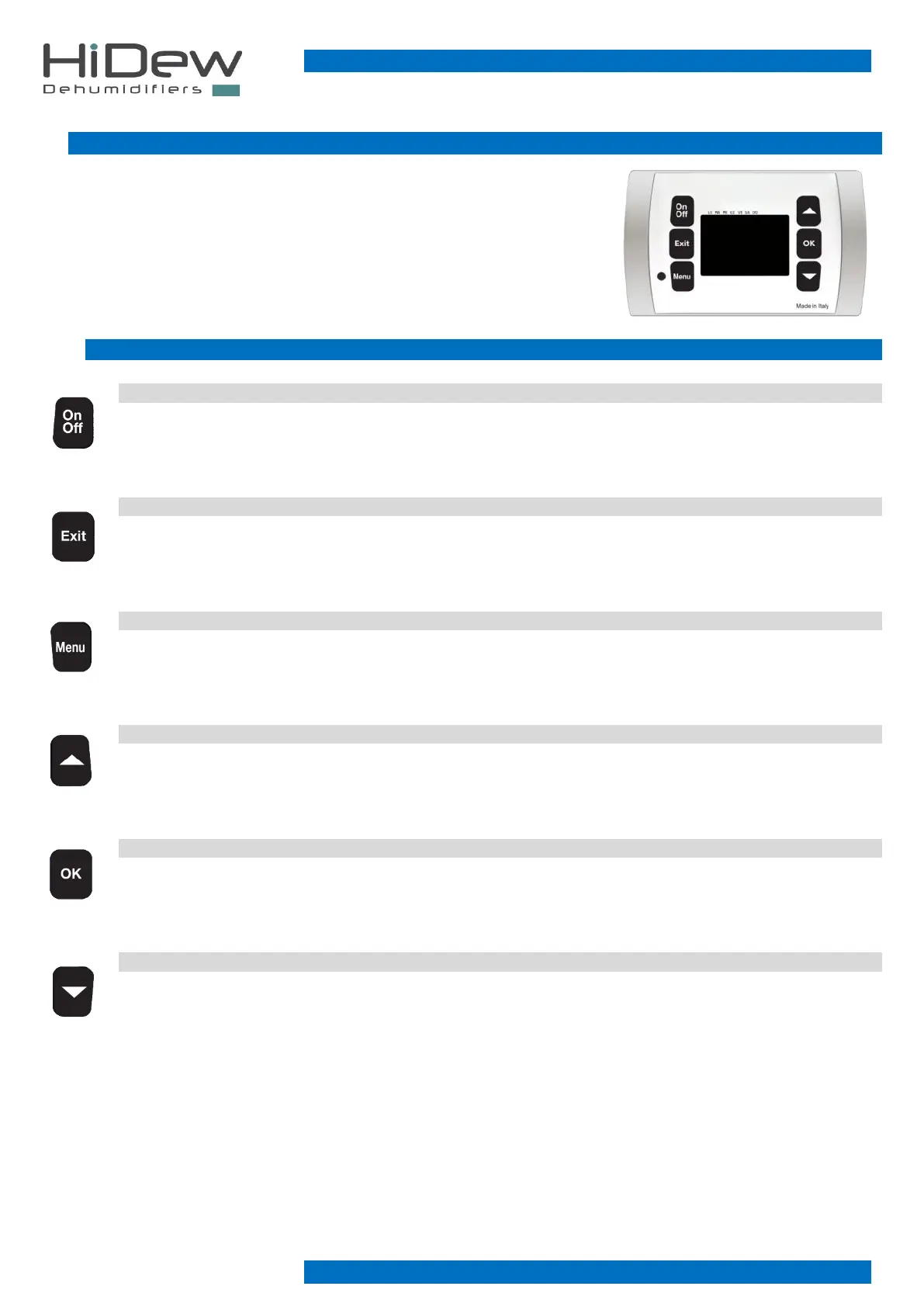
The control consists of a power board and an elegant display that is used to control the
unit and to modify all the various functions.
The functions of the various buttons and all the pages present are shown below
3.1 BUTTONS
ON/OFF KEY
on the ‘main’ page it allows temporary shutdown of the unit
- on the ‘OFF’ and ‘STAND-BY’ page it allows the unit to be turned on
EXIT KEY
- it is used to exit and return to the 'main' page
- If you are modifying a value, it allows to exit from the modification
- from the main screen, by keeping it pushed for 4 seconds, it is used to display the software version
MENU KEY
- on the ‘main’ page it allows access to the first page of the ‘user menu’
- in the time slot programming pages, it allows modifying of the programming day
UP KEY
- it is used to slide from screen to screen or to modify a value
OK KEY
- it is used to perform what is shown on the display
DOWN KEY
- it is used to slide from screen to screen or to modify a value



 To Next Page