20 - 60
3.4 ALARMS MENU
This menu is available only if there is an alarm on the unit and it allows to display the active alarm and, if possible, to reset it.
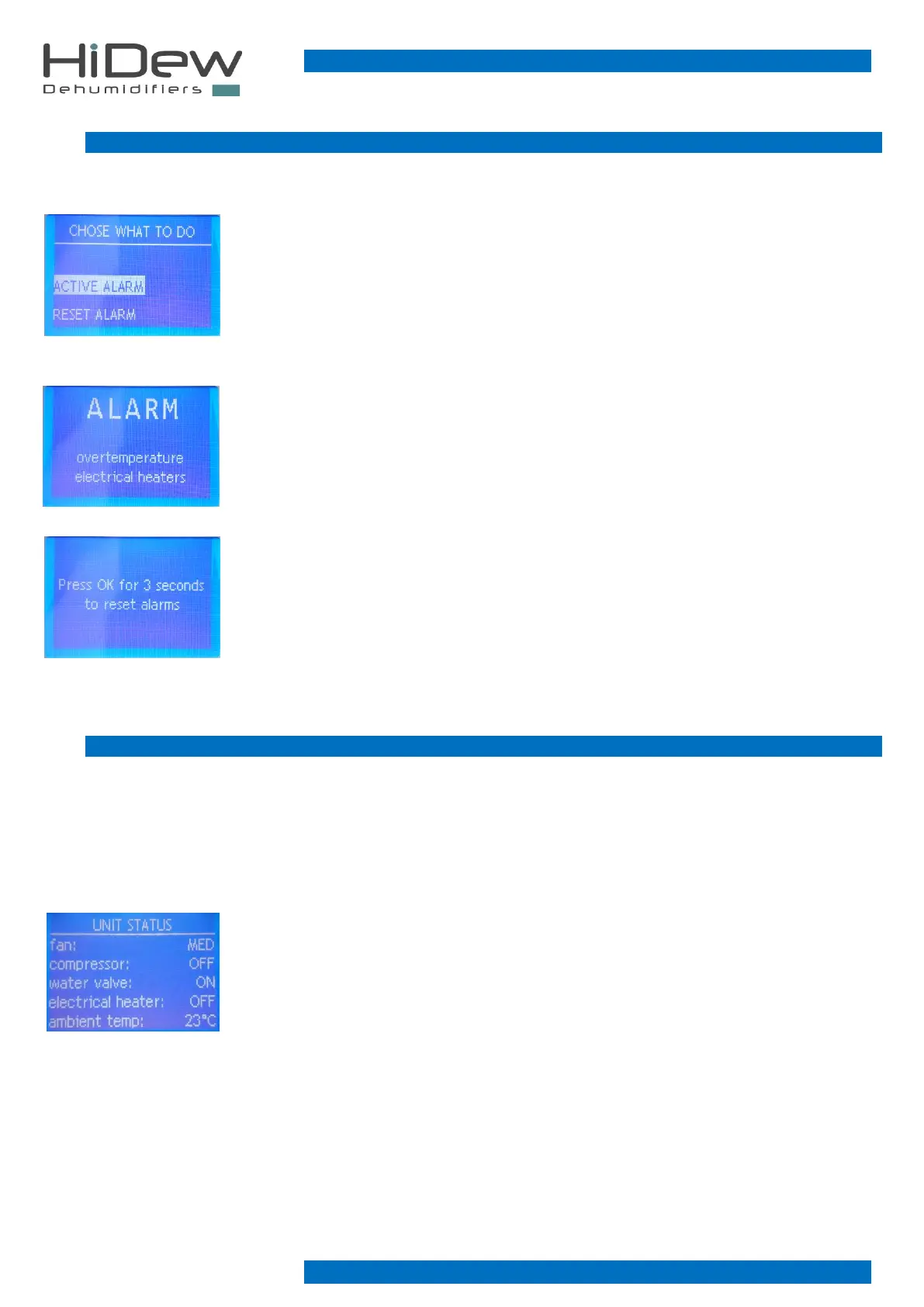
On the left is the page which is used to choose whether to display the alarm or to reset it
- press EXIT to exit and to return to the main page
- press UP and DOWN to select what to do
- press OK to confirm the choice and to access the page indicated below
To the left is an example page displaying the alarm, the device in alarm or the type of alarm is
shown at the bottom; in this example the electric resistances are in alarm.
This page is essential for assistance in case of alarms
- use the EXIT button to exit and to return to the previous page
To the left is the page to reset the alarms. Only certain alarms can be reset and must be reset
with the knowledge that the cause that generated the alarm has not been resolved and the alarm
could recur.
- holding down the OK button for 3 seconds the alarm is reset with return to the main page
- press EXIT to exit and come back to the alarms menu
3.5 UNIT STATUS MENU
This menu is always accessible and allows to display all the information regarding the unit status, specifically the following lines:
Fan, compressor, water valve, electric heater, ambient temperature, ambient humidity, evaporation temperature, defrost
temperature, water temperature, dehumidification request, heating request.
The water valve and the electric heater are options so they may not be present; in this case some dashes will appear on the
corresponding line.
To the left is the unit status page, in this case it can be seen that the fan is working at medium
speed, the compressor is off, the water valve is present and is open, the electric resistance is
present and is off and the ambient temperature is at 23°C.
- press UP and DOWN to scroll and display other lines
- press EXIT to exit and to return to the main page



 To Next Page