22 - 60
3.6.2 Guide
Selecting this guide, you have access to 5 screens which explain how to set the time slots program.
USE OF KEYS:
- the UP and DOWN screens are used to slide between the 5 pages
- the EXIT key is used to return to the previous page
3.6.3 Default recovery
The first time the time slots are scheduled, it can happen that mistakes are made or it may be the case that the time slots are set in
a certain way and after a period it is found that the programming is not ideal; in both cases it is possible to completely cancel the
programming and to start again from the default values.
Selecting Restore Defaults provides access to a page that allows restoration of all the values of the time slots.
USE OF KEYS:
- - Pressing for 3 seconds OK, you recover all the values
- the EXIT key is used to return to the previous page
3.7 OTHER PAGES
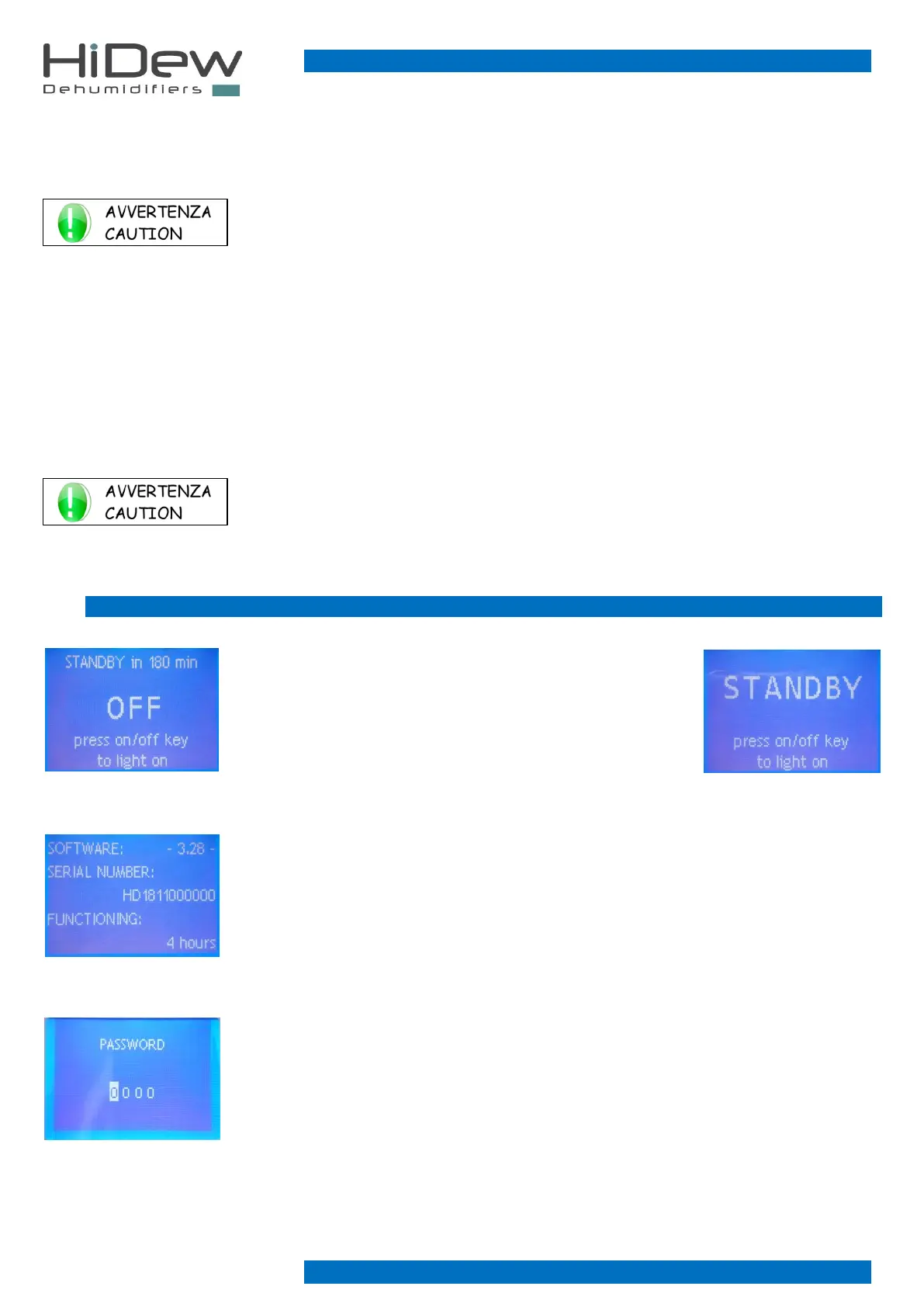
3.7.1 Off and stand-by page
This page is used to turn on the machine by pressing the ON-OFF
button.
If the machine is left off for more than 180 minutes, the stand-by
mode will be activated automatically, which is signalled by means
of the dedicated wording on this page. Stand-by mode turns
ventilation on at minimum.
3.7.2 Software version
This page is used to view the software version loaded on the advanced control and the serial
number of the machine; only enter this page from the main page by holding down the EXIT
button for 3 seconds. The page is displayed for a few seconds and then returns automatically to
the main page
3.7.3 Password
This page is used to enter the password to modify the advanced parameters
- press EXIT to exit and to return to the main page
- press UP and DOWN to set each number of the password
- press OK to turn to the modification of the following value or to confirm



 To Next Page