48 - 60
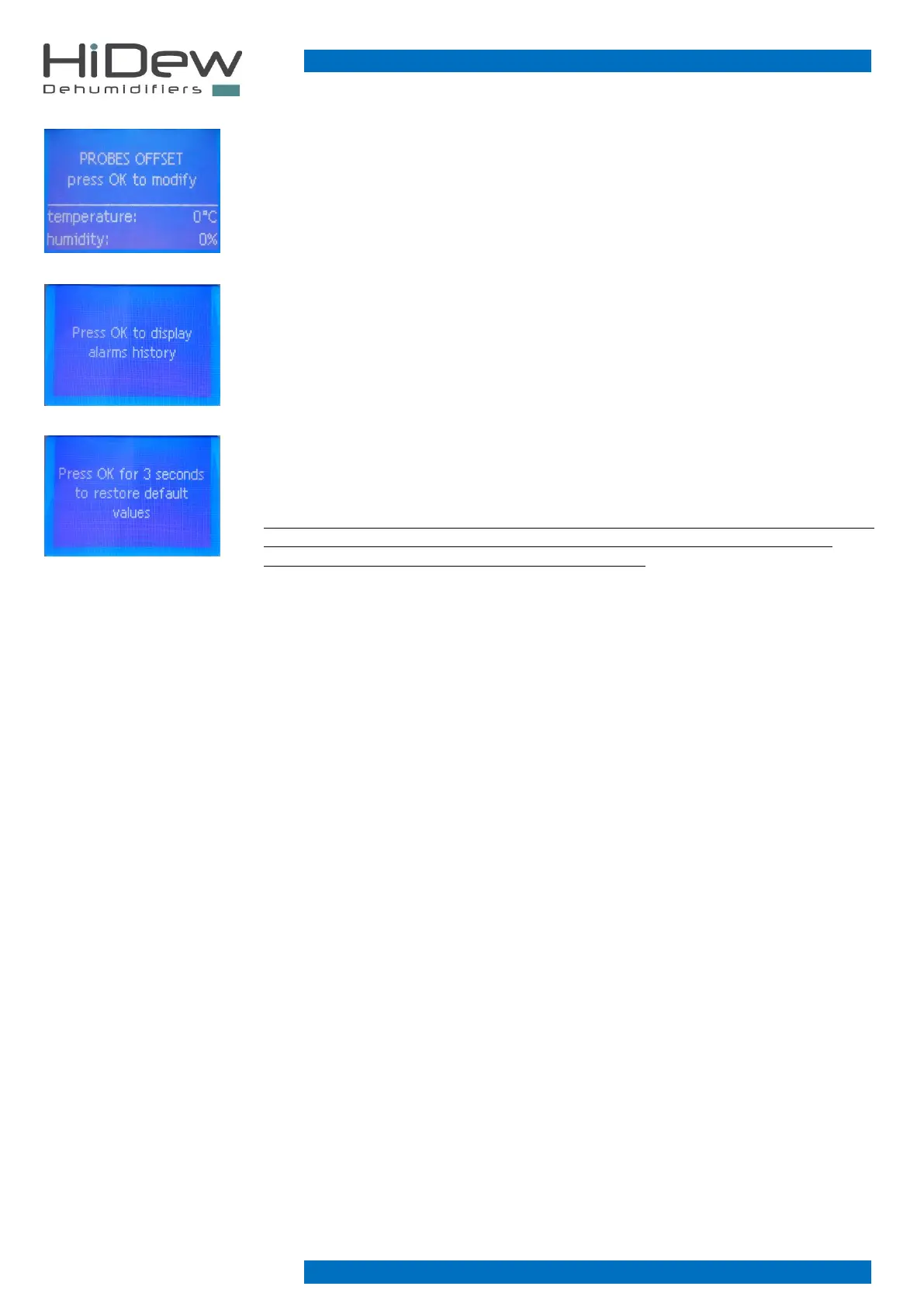
It is used to set an offset for the ambient temperature and humidity probes.
default: 0°C and 0%
It offers access to the alarm log and displaying of all the stored alarms
Possibility to restore all installer, user and calibration parameter.
If some parameters are changed on the installer menu, on the user menu and on the calibration
one by mistake, it is possible to restore all the parameters and to return the unit as newly
purchased.
ATTENTION: restoring all the user settings such as the desired temperature and humidity, the set
season and all the installer parameters and the calibration parameters are deleted but the
programming parameters of the time bands are not deleted.



 To Next Page