Chapter 3
BIOS Configuration Utility
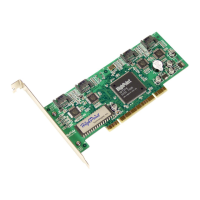
The RocketRAID 1640 includes a built-in BIOS configuration utility. This
utility provides options to configure and manage hard disks or disk arrays
connected to the RocketRAID 1640 host adapter. The BIOS configuration
utility is especially useful when arrays must be created before and OS is
installed.
Contents of this Chapter:
3.1 Entering the BIOS Configuration Utility
3.2 Creating a Disk Array
3.3 Deleting Disk Arrays
3.4 Add/Remove Spare
3.5 Settings
3.6 View
3.7 Duplicate Critical RAID 1 array
3.8 Rebuilding a Broken RAID array




 To Next Page