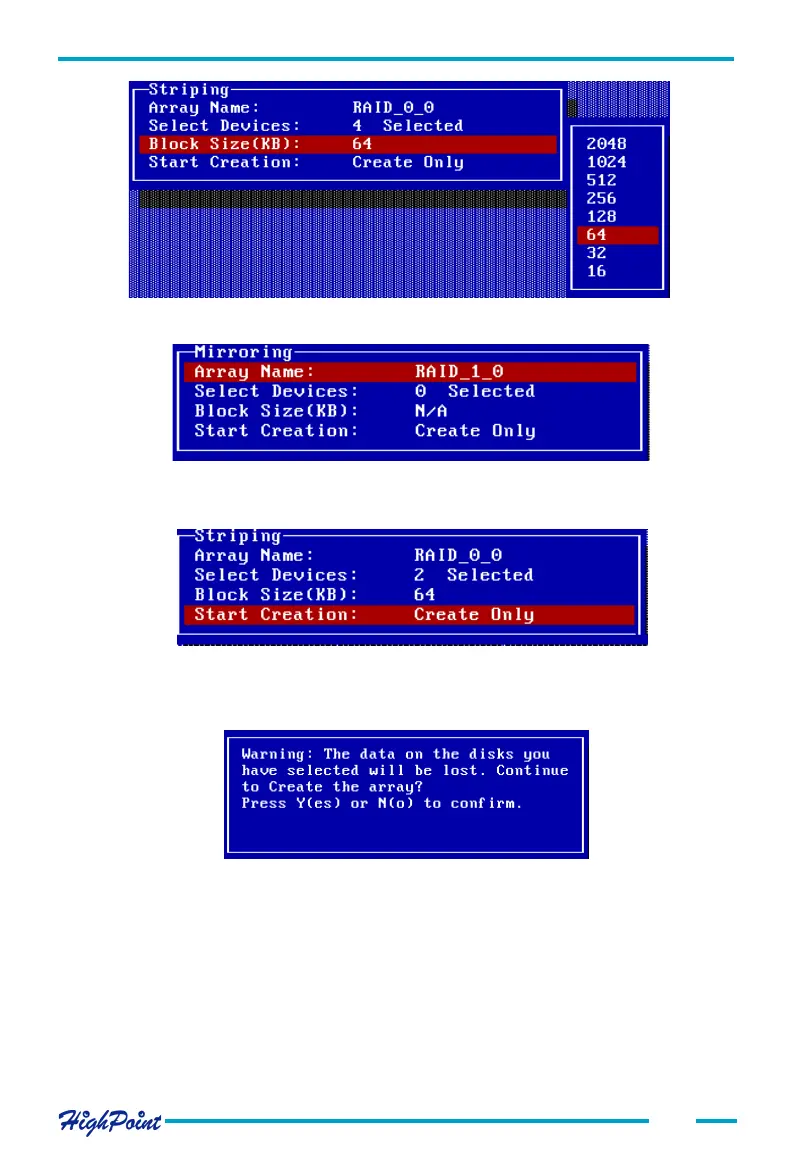
BIOS Configuration Utility
5. Within the Menu column of the main interface, use the arrow keys to highlight the
Start Creation option, and press ENTER.
3-3
If user selected a RAID 1array, JBOD array in step 1, the Block Size is N/A, see
below:
Please pay close attention to this warning. Press N to cancel, and press Y to continue.
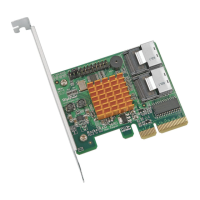
When creating a RAID 1 (mirror) array, several options will be displayed: Create only,
or Create and Duplicate. The Create and Duplicate option will preserve the data on the
source disk 1) and will copy it to the mirror or target disk (disk 2).
Create only should only be used when stating from scratch - this option will not
preserve the data on either disk. See the following page:
When creating RAID 0, 1/0 or JBOD array, simply use the arrow key to highlight the
Start Creation process and press ENTER. A warning message will then be displayed.
See the image below:




 To Next Page