4-9
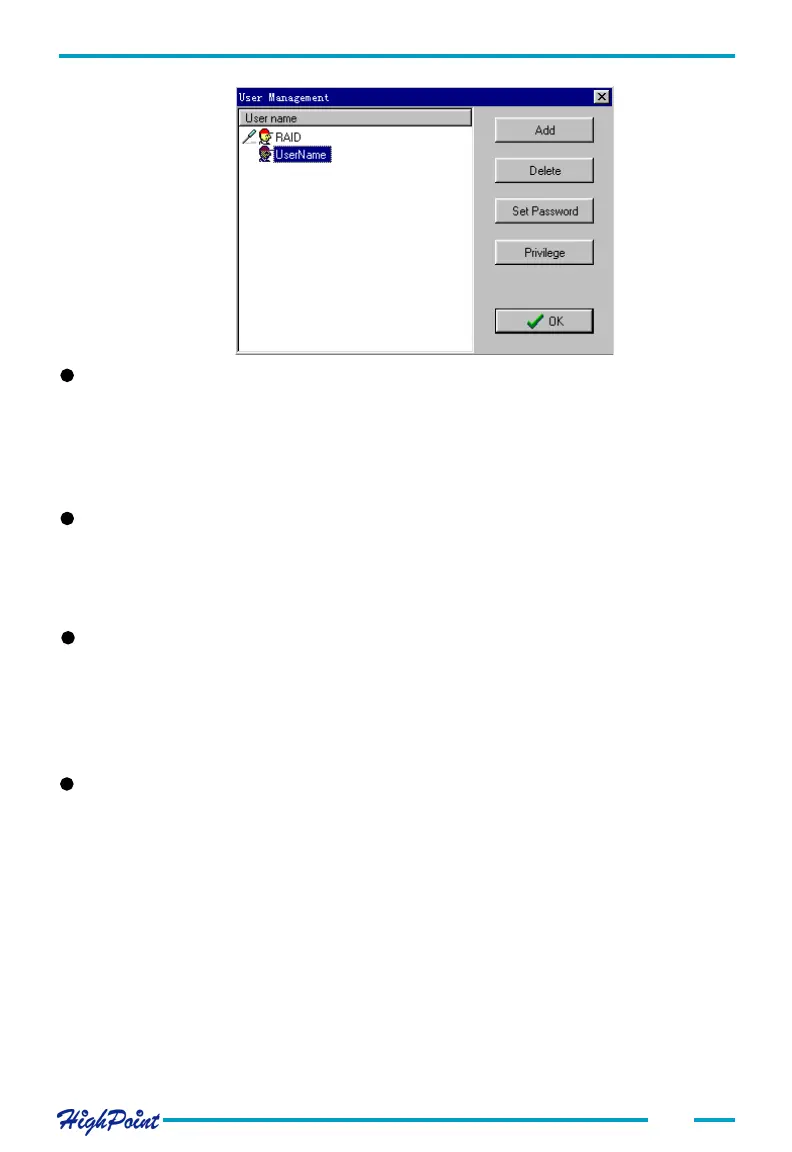
Changing a User's Password
Highlight and select a user entry from the User Management window, and click on the
Set Password button. You can also click on the File tab, then select the Password
option. Enter the new password and click the OK button to confirm. Click on the
Cancel to cancel the operation.
##
##
# Changing a User's Privilege level
Highlight and select a user entry from the User Management window, and click on the
Privilege button. The following window will be displayed:
ATA RAID Software
##
##
# Deleting a User
Highlight and select a user entry from the User Management window, and click on the
Delete button. The selected user will then be deleted.
Make sure the selected user is not connected to the remote computer - the Delete
option will be disabled if the user is connected to the system.
##
##
# Set a User Password
Highlight and select a user entry from the User Management window, and click on the
Set Password button. You can also click on the File tab, then select the Password
option.




 To Next Page