14
Updating the Device Driver (for macOS 10.13/10.14/10.15/11.x/12.x)
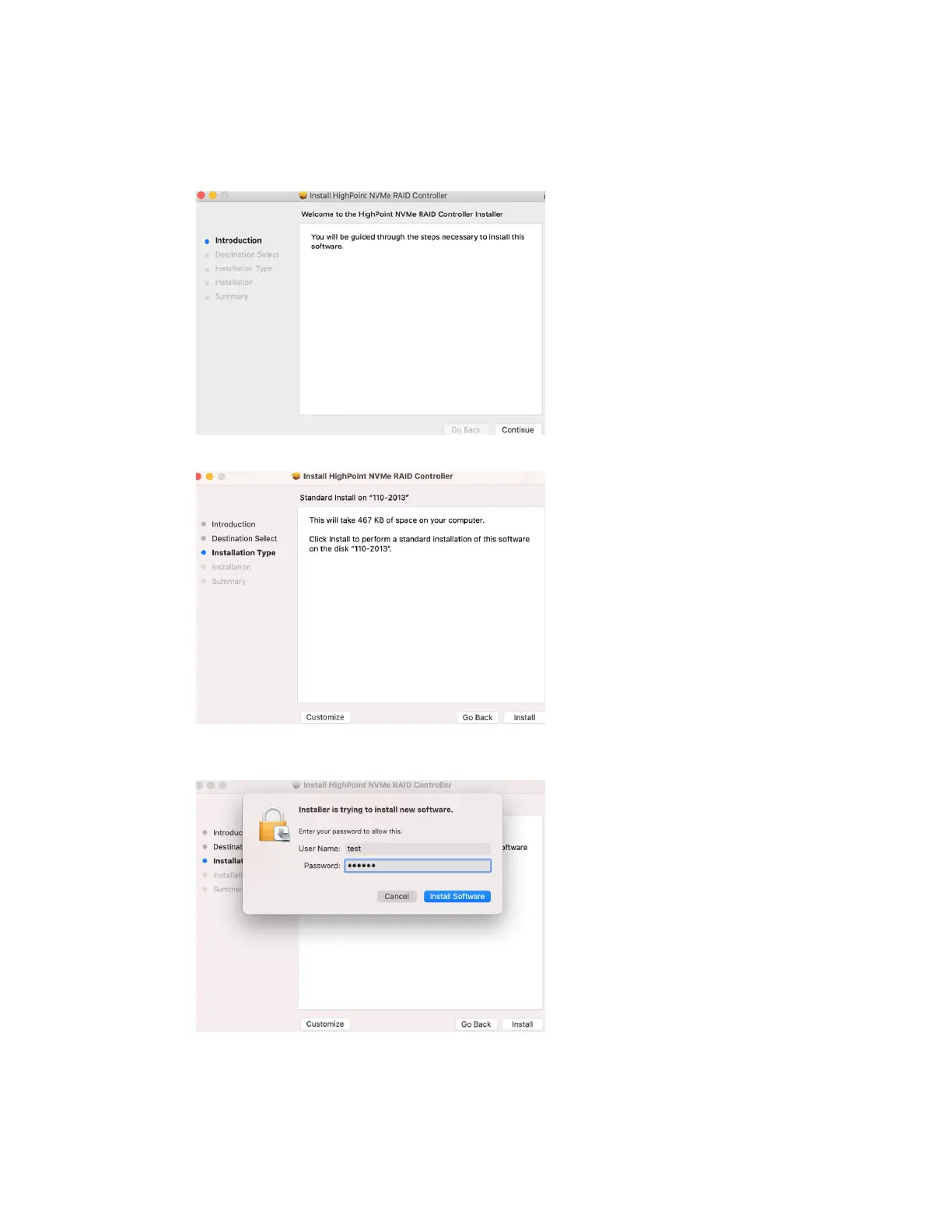
1) Locate the download and double click the HighPointNVMe.pkg package to start the installer.
Click the Continue button:
2) macOS will prompt you to install the driver. Click Install to proceed.
3) You will be prompted that installer is trying to install new software, enter the Administrator
Username and Password. Once these have been entered, Click Install Software.















 To Next Page