19
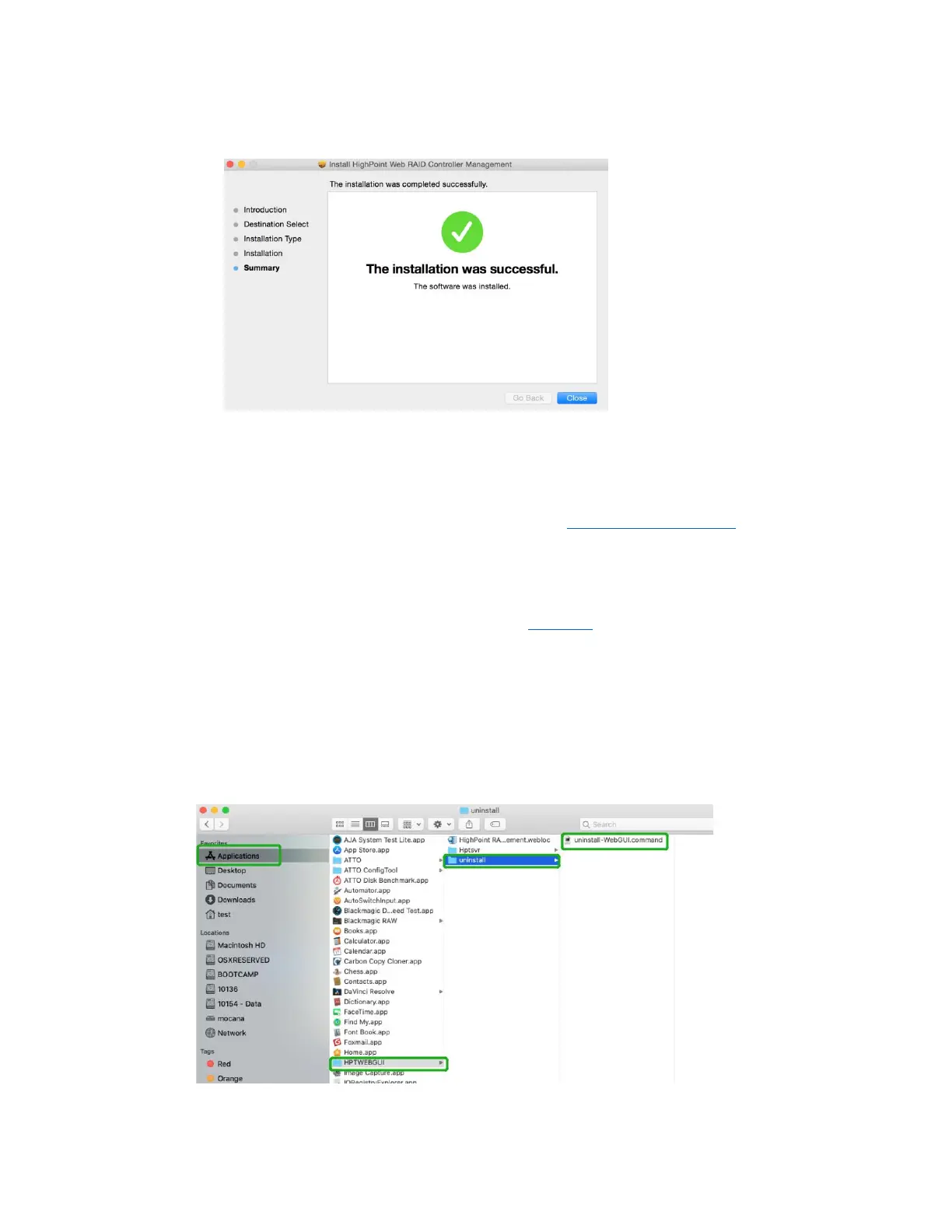
4) The WebGUI Management software has been installed. Click Close to complete the
procedure.
8. Updating the WEBGUI for macOS 10.13/10/14/10.15/
11.x/12.x
1) First, uninstall the current WebGUI. Please refer to Uninstalling the WebGUI.
2) After uninstalling the WebGUI, reboot macOS.
3) Once the system has rebooted, download the latest version of the WebGUI from the
appropriate Software Downloads webpage.
4) Locate the download and double click the package named HighPointWebGUI.pkg to
start the installer. Please refer to Installing the WebGUI for more information.
9. Uninstalling the WebGUI for macOS 10.13/10.14/10.15/
11.x/12.x
To uninstall the WebGUI, access Applications, click on HPTWEBGUI, select uninstall, and
double-click the uninstall-WEBGUI.command. The uninstall command will automatically
open a terminal and uninstall the software:















 To Next Page