25
SSD7540
WEBGUI service restart
If you can't connect to the WebGUI, please check if a process named raidman-httpsd is running on the
system. If it is not running, you can start it manually by opening a terminal window and running the
command: “sudo hptdaemonctl restart”.
Checking the SIP Status
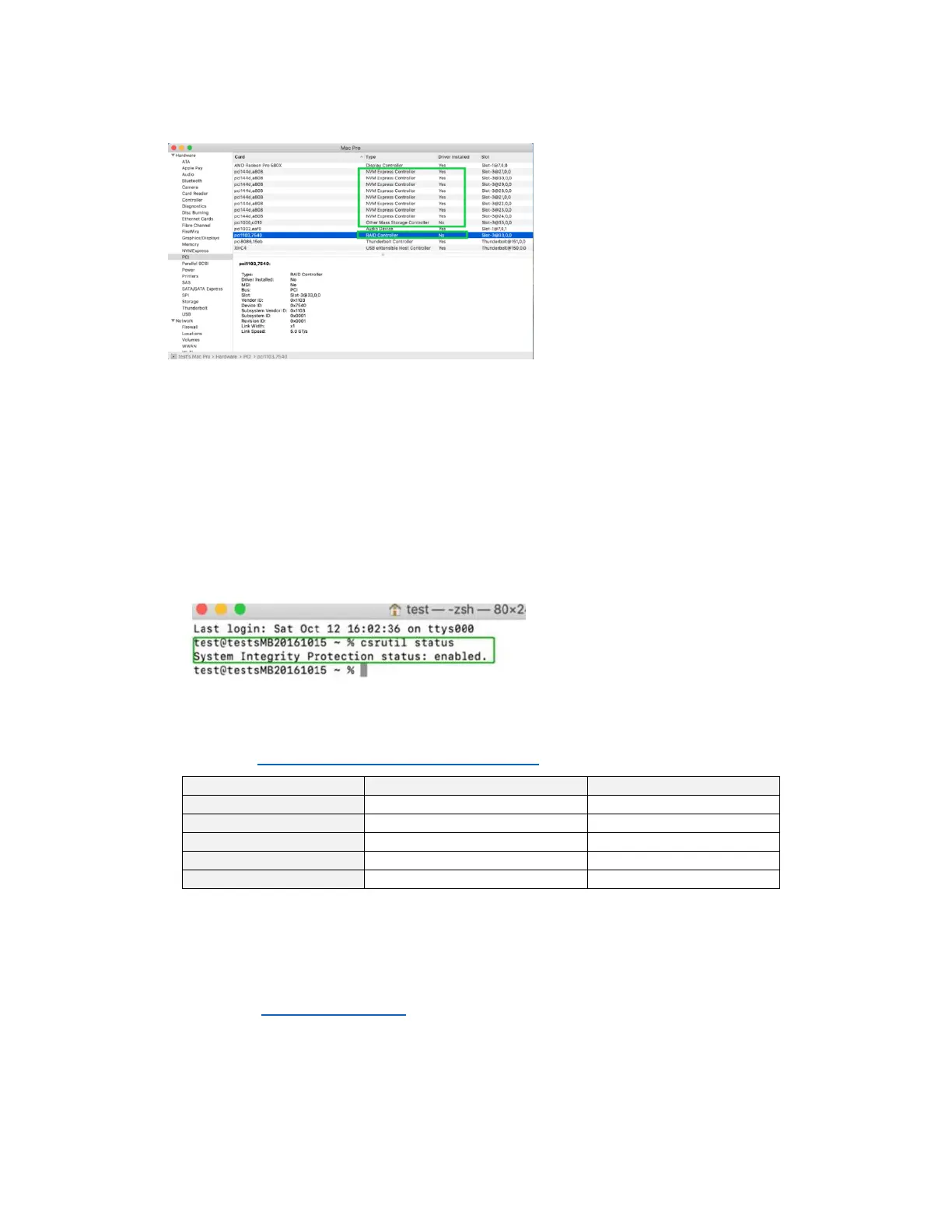
Open a Terminal window and enter the following command:
csrutil status
Please take a screenshot of the output, and attach it to a support case (see example below):
The status will vary depending on which version of macOS you are using.
Please refer to Disabling SIP (for macOS13x and earlier)
Systems with T2 chipsets – Secure Boot status
You will need reboot the system and enter Recovery Mode to check the Secure Boot status. This
setting should remain disabled.
Please refer to Disabling Secure boot.















 To Next Page