18
7. Installing the RAID Management Software (WebGUI)
Installing the WebGUI for macOS 10.13/10.14/10.15/11.x/12.x
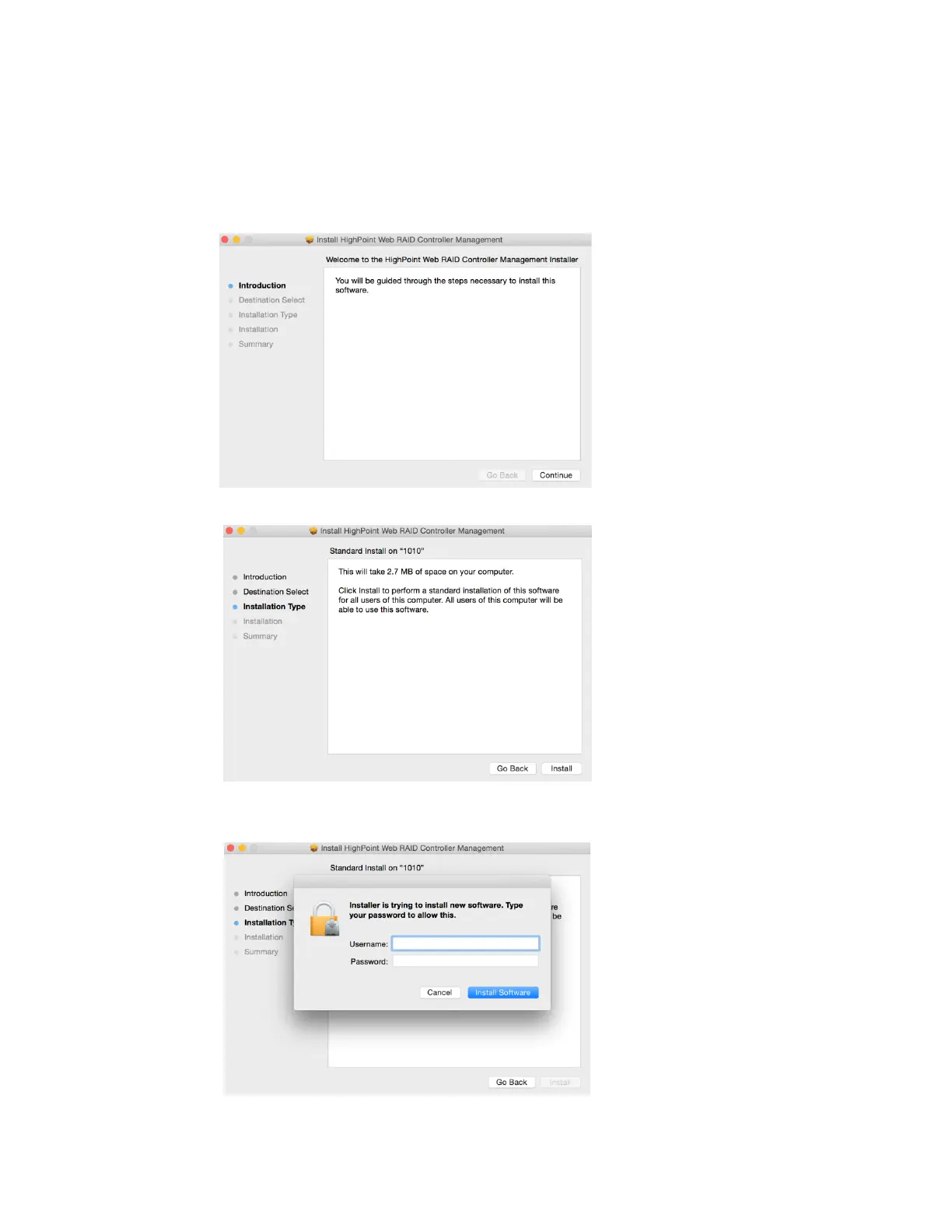
1) Double click the package named HighPointWebGUI.pkg to start the installer. When the
window appears, click the Continue button.
2) You will be promoted to click the Install button. Click Install to continue.
3) You will then be promoted to enter the Administrator Username and Password. Once
these have been entered, click Install Software to continue.















 To Next Page