AX PRO User Manual
8
Chapter 2 Start Up
2.1 Initial the Device
While initial the device with Hik-ProConnector, the AX Pro should always be add to an installer
account first. The installer account will invite and transfer ownership to the administrator account
later after finishing all initial setup and test. Follow the steps below to initializing the wireless
alarm system.
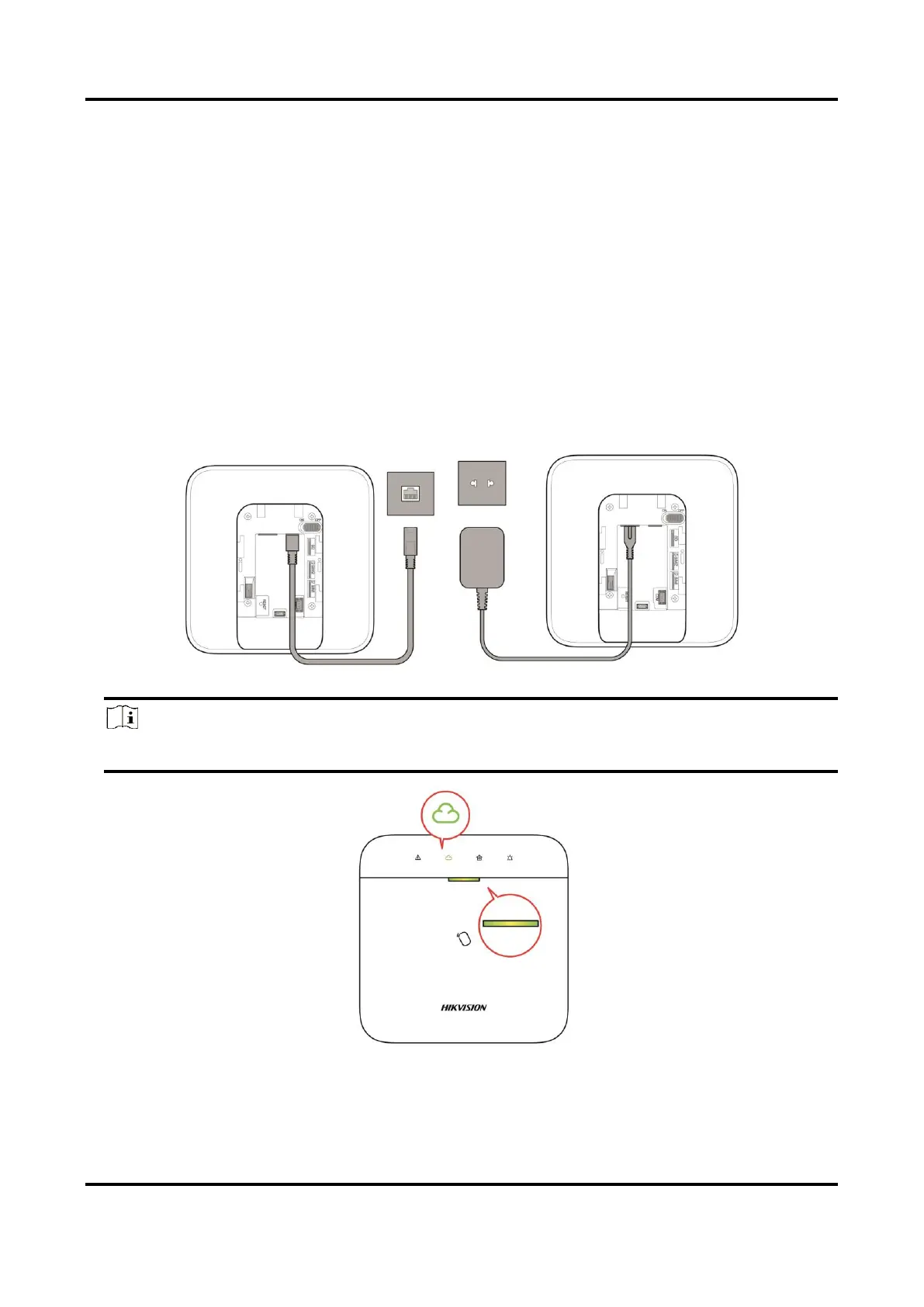
1. Connect to the network.
Connect the device to the Ethernet, and power the device on.
Note
While the device is powered on, the power LED and link LED turn green.
2. Create a site
Open the Hik-ProConnect and login with the installer account.


 To Next Page
 Loading...