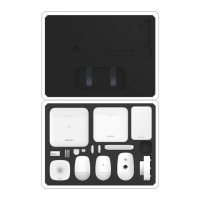
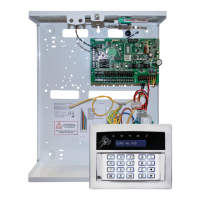
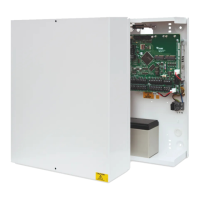
AX PRO User Manual
v
Contents
Chapter 1 Introduction ............................................................................................................... 1
1.1 System Description ................................................................................................................ 1
1.2 Specification .......................................................................................................................... 2
1.3 Appearance ............................................................................................................................ 5
Chapter 2 Start Up ...................................................................................................................... 8
2.1 Initial the Device .................................................................................................................... 8
2.2 Install the Device ................................................................................................................... 9
Chapter 3 User Management .................................................................................................... 11
3.1 User Management ............................................................................................................... 11
3.1.1 Invite the Administrator .......................................................................................... 11
3.1.2 Cancel Installer Access ............................................................................................. 12
3.1.3 Add an Operator ....................................................................................................... 12
3.1.4 Delete an Operator .................................................................................................. 14
3.2 Access Entries ...................................................................................................................... 14
Chapter 4 Configuration ........................................................................................................... 16
4.1.Set-up with Hik-Proconnect ................................................................................................ 16
4.1.1 Use the Hik-Proconnect APP .................................................................................... 16
4.1.2 User the Hik-ProConnect Portal ............................................................................... 28
4.2 Set-up with Hik-Connect ..................................................................................................... 31
4.3 Set-up with the Web Client ................................................................................................. 39
4.3.1 Communication Settings .......................................................................................... 40
4.3.2 Device Management ................................................................................................ 51
4.3.3 Area Settings ............................................................................................................ 56
4.3.4 Video Management .................................................................................................. 58
4.3.5 Permission Management ......................................................................................... 60
4.3.6 Maintenance ............................................................................................................. 62
4.3.7 System Settings ........................................................................................................ 63
4.3.8 Check Status ............................................................................................................. 75
4.4 Report to ARC (Alarm Receiver Center) ............................................................................. 76


 To Next Page
 Loading...