Chapter 6 Quick Operaon
6.1 Select Language
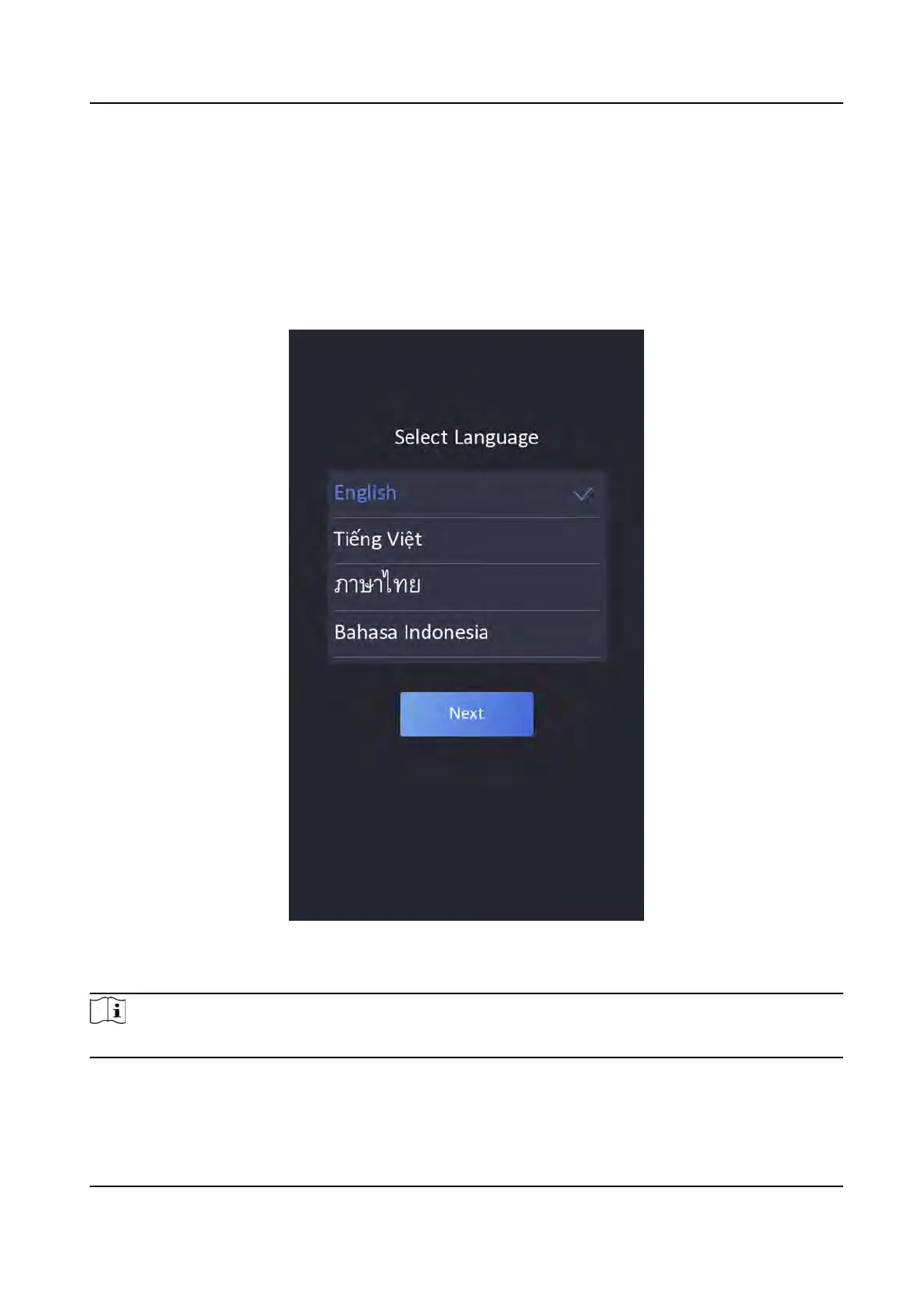
You can select a language for the device system.
Aer the device acvaon, you can select a language for the device system.
Figure 6-1 Select System Language
By default, the system language is English.
Note
Aer you change the system language, the device will reboot automacally.
DS-K1T341A Series Face Recognion Terminal User Manual
21


 To Next Page
 Loading...