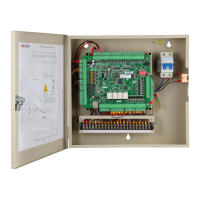
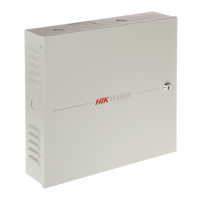
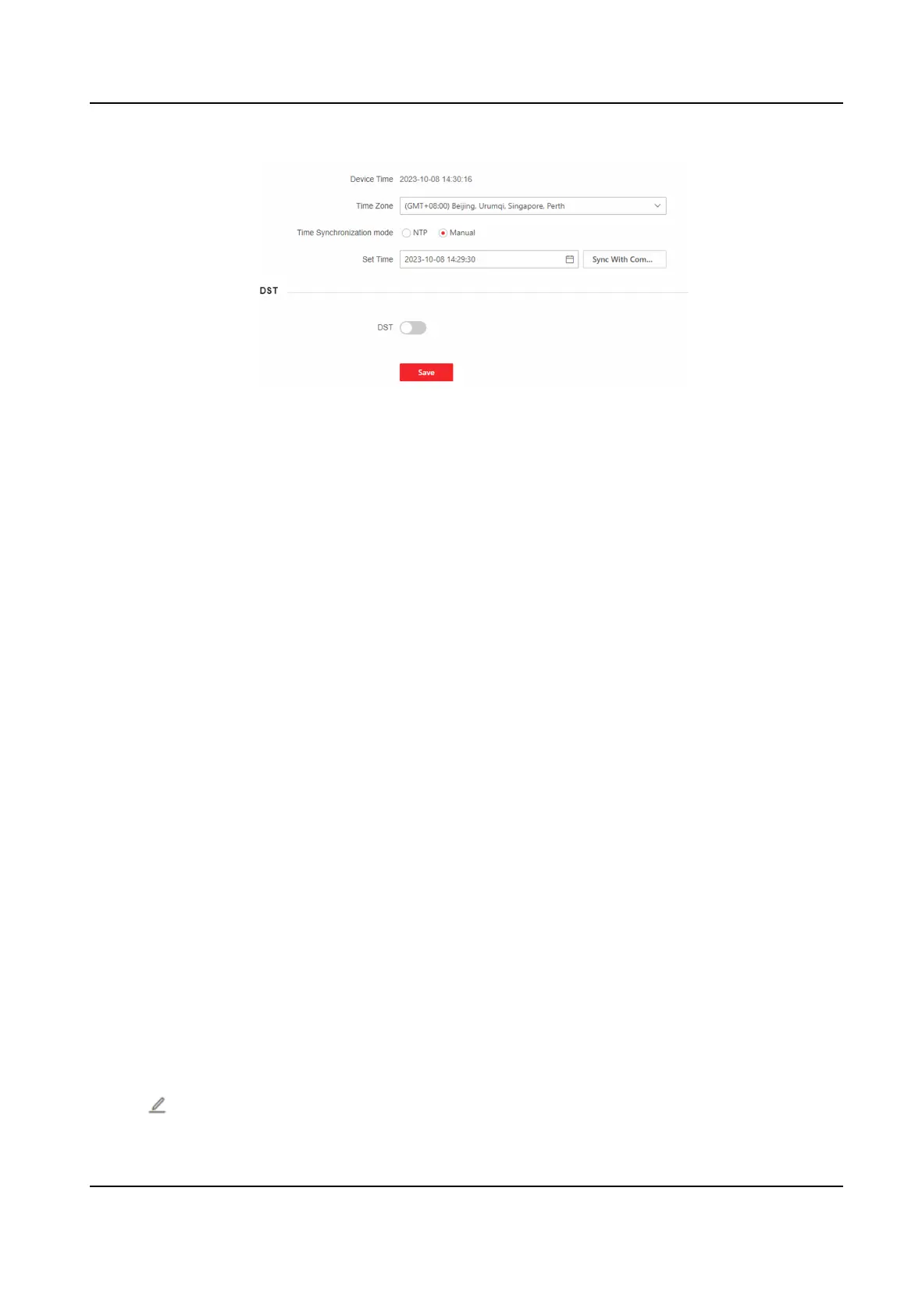
Figure 9-12 Time Sengs
Click Save to save the sengs aer the conguraon.
Time Zone
Select the device located me zone from the drop-down list.
Time Synchronizaon Mode
NTP
You should set the NTP server's IP address, port No., and interval.
Manual
By default, the device me should be synchronized manually. You can set the device me
manually or check Sync. with Computer Time to synchronize the device me with the
computer's me.
Server IP Address/NTP Port/Interval
You can set the server IP address, NTP port, and interval.
9.7.3 Set DST
Steps
1.
Click System and Maintenance → System
Conguraon → System → System Sengs → Time
Sengs .
2.
Enable DST.
3.
Set the DST start
me, end me and bias me.
4.
Click Save to save the sengs.
9.7.4 Change Administrator's Password
Steps
1.
Click System and Maintenance → System
Conguraon → System → User Management .
2.
Click .
DS-K27XX Series Access Controller User Manual
54


 To Next Page
 Loading...