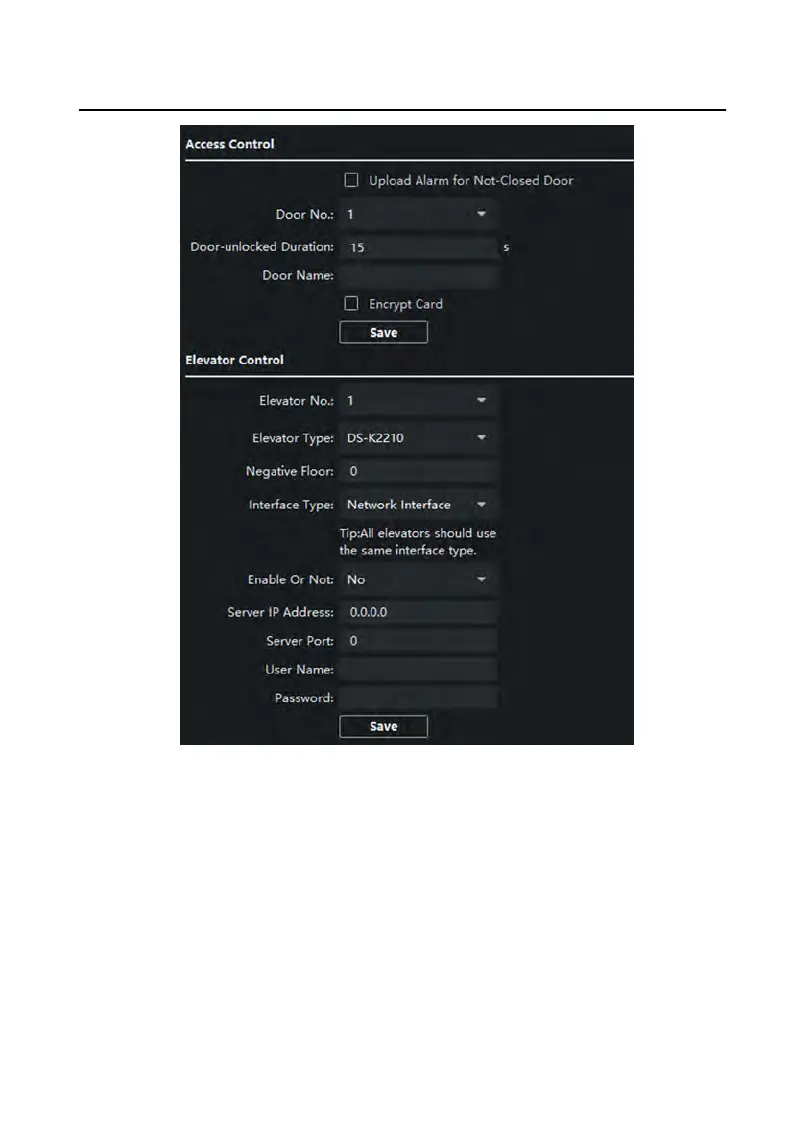
Figure 6-10 Access Control and Elevator
2.
Se
t the Access Control parameters.
1) Select the door No.
2) Set the Door-unlocked Duraon.
3) Oponal: Enable Upload Alarm f
or Not-Closed Door.
4) Click Save to enable the sengs.
Video Intercom Face Recognion Door Staon with 4.3-inch Screen User Manual
25


 To Next Page
 Loading...