Panic Alarm Station User Manual
26
Network Settings 4.2.2
Purpose:
You can edit the general network parameters in this section.
General Network Parameters Settings
Steps:
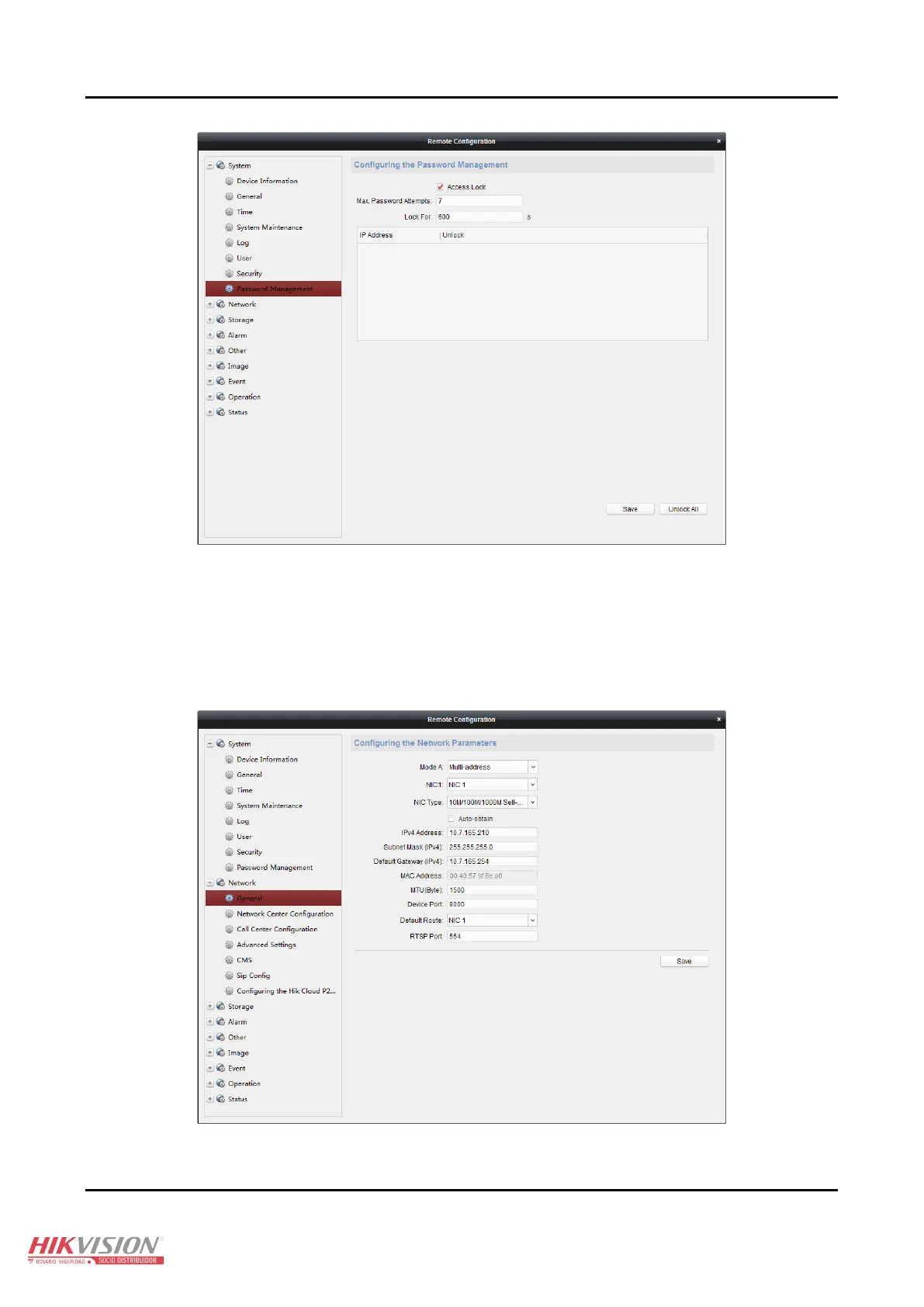
1. Click Remote Configuration > Network > General to enter the general network configuration interface.
2. Configure the NIC setting.
3. Click Save to save the above settings.





 To Next Page