Accessories
120 Centrella® Smart+ Bed Instructions for Use (193587 REV 10)
PATIE NT HELPER (P7934 OR P7936)
To help prevent personal injury and /or equipment damage, obey these warnings:
NOTES:
• Make sure that when you put an oxygen tank in a head-end holder the tank does not
interfere with the head section articulation.
• If the holder is placed at the foot end of the bed, make sure the holder does not contact the
ground when lowering the bed.
To Remove
1. Loosen the thumbscrew that holds the oxygen tank tight in the oxygen tank holder.
2. Lift the oxygen tank out of the oxygen tank holder.
3. Lift up on the oxygen tank holder, and remove it from the equipment sockets.
• Warning—Do not exceed the 113.5 kg (250 lb) load capacity of the Patient Helper arm
assembly.
• Warning—Correctly attach the Patient Helper arm assembly; otherwise, it may fall.
• Warning—Do not remove or install the Patient Helper arm assembly while it is in a position
over a patient.
• Warning—Use correct lifting techniques and /or ask for assistance when you install or
remove the Patient Helper.
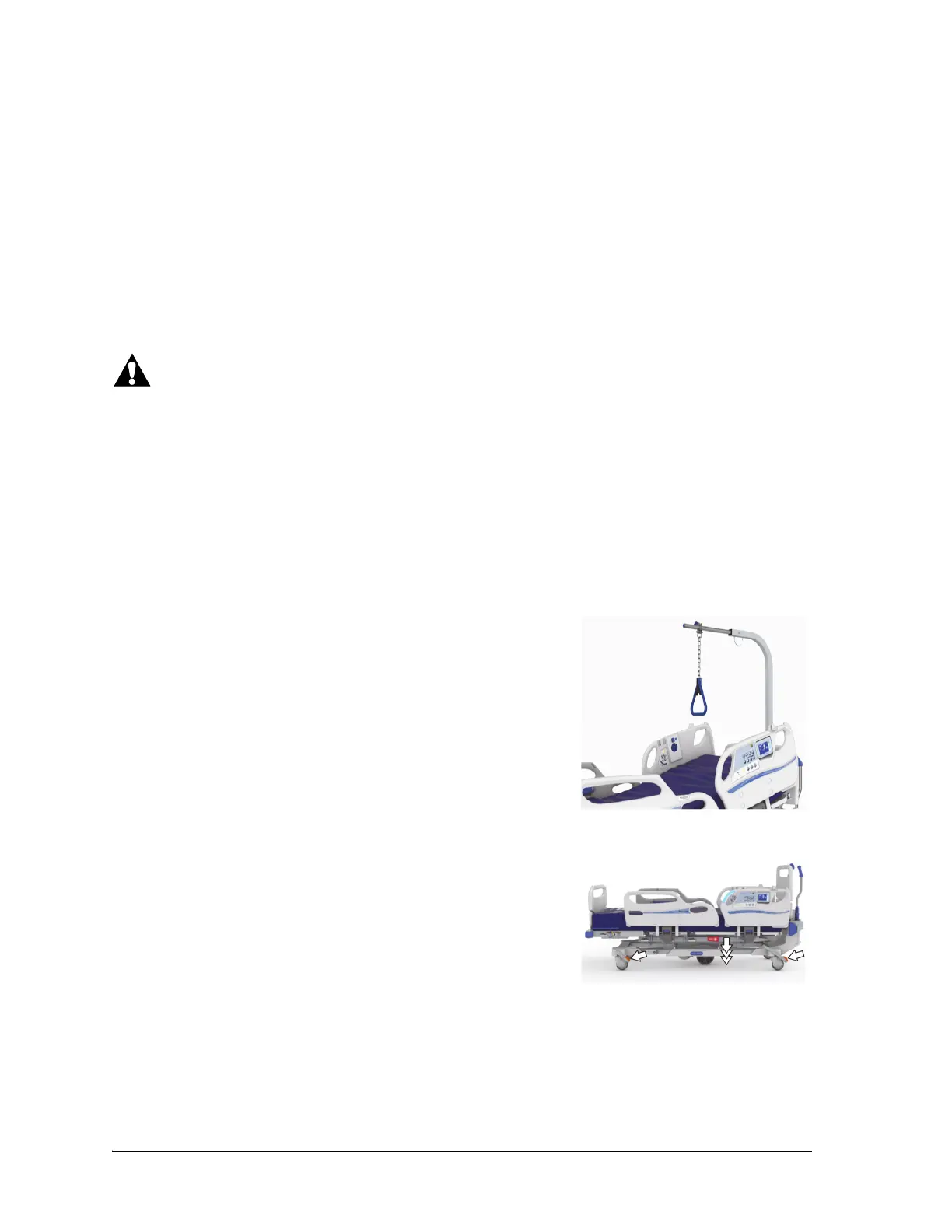
The Patient Helper can be used to help assist patients with mobility.
To Install
1. Make sure the bed’s brake is set and a patient is not in the bed.
2. Lower the bed to its lowest position.
There are two versions of the patient helper mounts. Both versions are shown in the following steps to
assist you in the installation of your version.












 To Next Page