Digital Video Recorder User Manual
15
Chapter 4 File Search
4.1 Search File
Steps
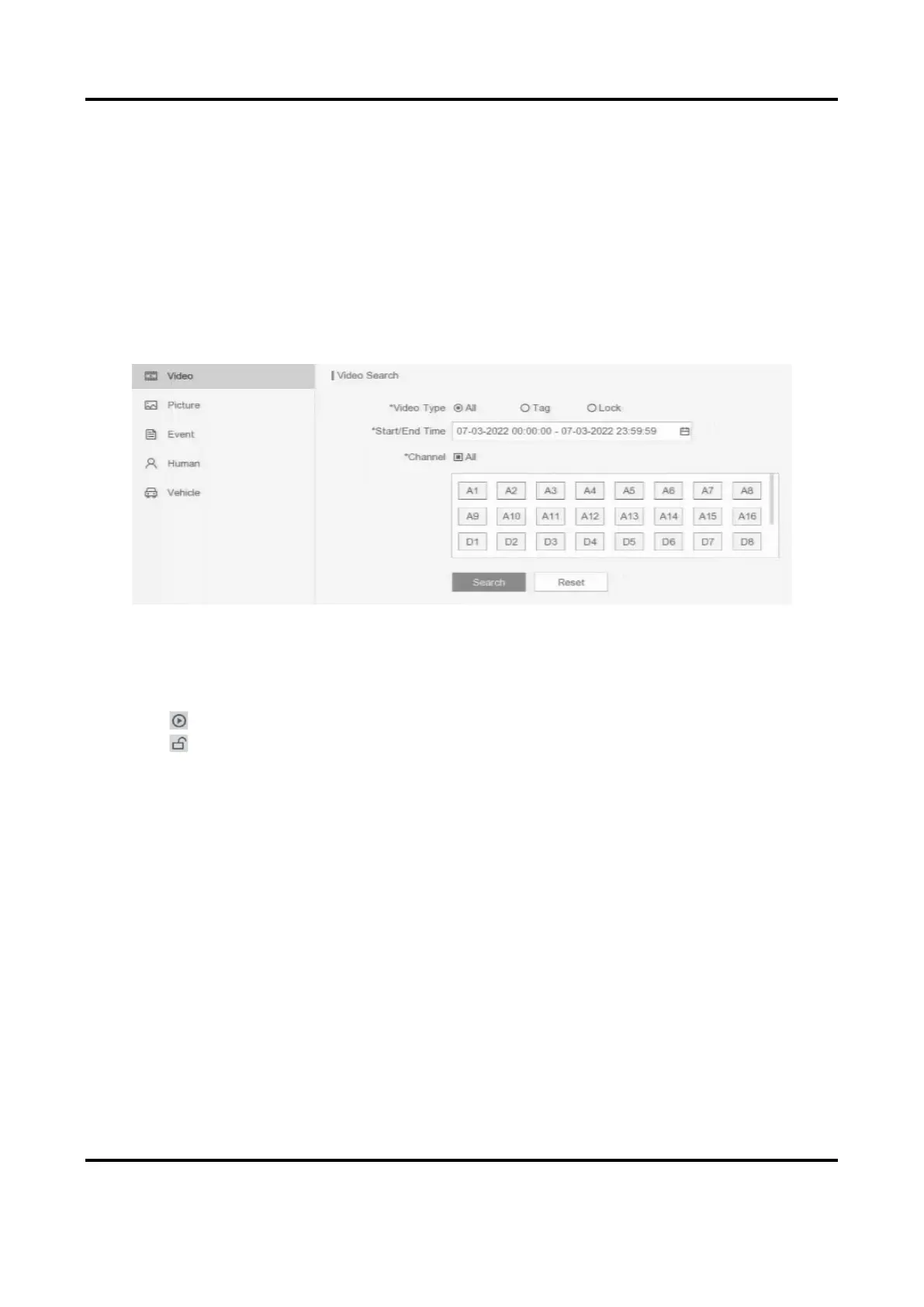
1. Go to Search.
Figure 4-1 Search
2. Select a search type (video, picture, event, etc.).
3. Set search conditions.
4. Click Search.
– Click to play the video.
– Click to lock the file. Locked file will not be overwritten.
– Select file(s), and click Export to export file(s) to backup device.
4.2 Quick Backup
Before You Start
Connect a backup device to your video recorder.
Steps
1. Go to Search.
2. Set search conditions.
3. Click Quick Export.
4. Select backup device and path.
5. Click OK to start exporting.



 To Next Page