Digital Video Recorder User Manual
25
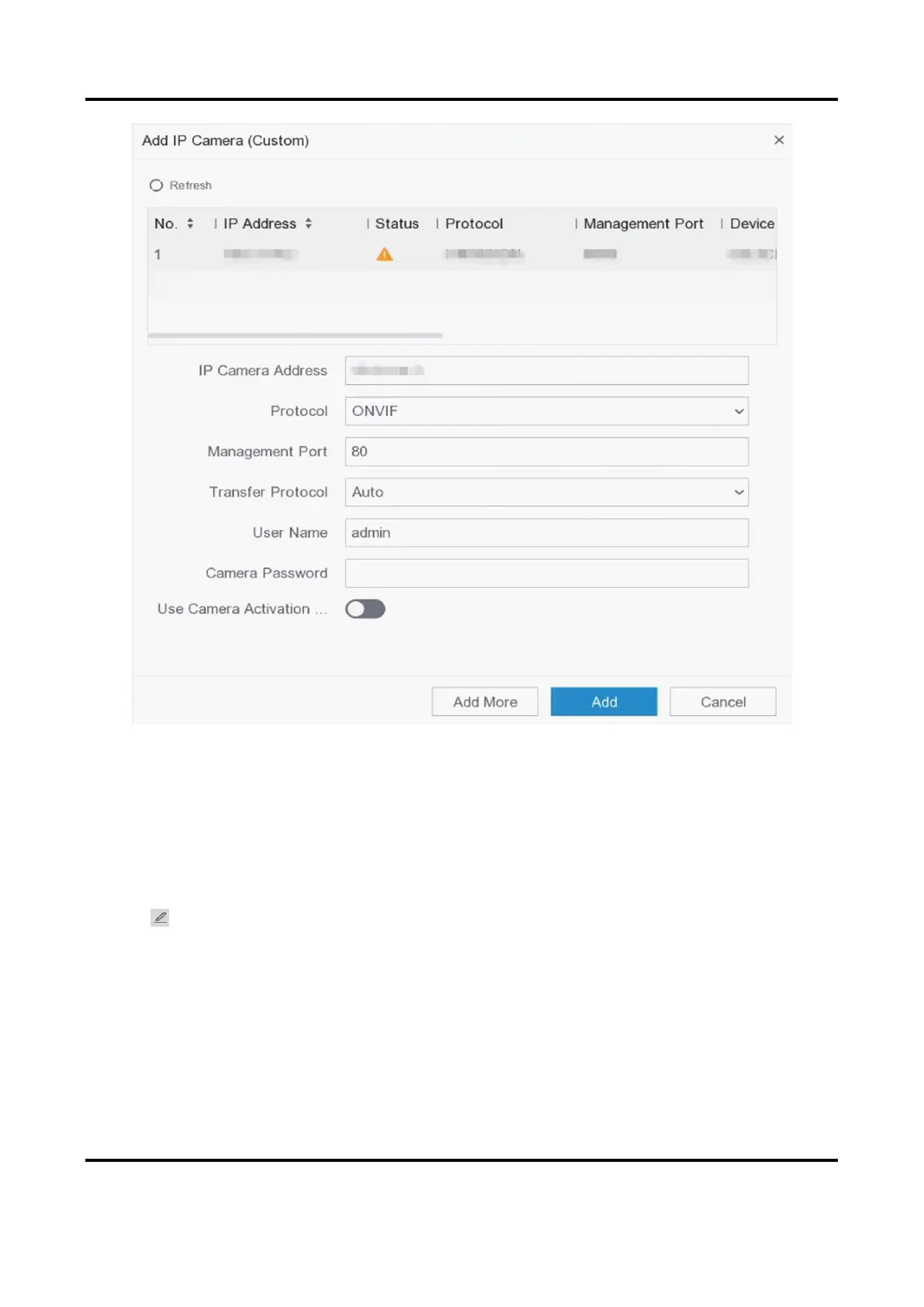
Figure 5-9 Add Network Camera
Edit Connected Network Camera
You can edit the IP address, protocol and other parameters of the added network cameras.
Steps
1. Go to Configuration → Camera → IP Camera.
2. Click to edit the selected camera.
Channel Port
If the connected device is an encoding device with multiple channels, you can select the
channel port No. to choose a connecting channel.
3. Click OK.
5.3.3 OSD Settings
Configure OSD (On-Screen Display) settings for the camera, including date format, camera name,



 To Next Page